Higgsfield Genjutsu remakes existing footage. Upload a clip and it keeps the motion and camera work while rebuilding the scene (Motion Transfer), or swaps one character, outfit or product (Object Swap). It is impressive, but it bills in credits, and a single 15-second 1080p run costs about $7. If what you need is to restyle a shot, generate new shots from your own frames and cut them into a finished video, Nano Banana Video does it for a fraction of the price. This guide compares the two honestly, including the jobs where Genjutsu is still the right pick.
What is Higgsfield Genjutsu?
Genjutsu is Higgsfield’s video-to-video tool. You give it a reference video and reference images, and it transforms the footage in one of two modes:
- Motion Transfer keeps the movement, camera and timing of your clip and rebuilds the scene from your references: new cast, new location, new look.
- Object Swap replaces a selected character, outfit, product, location or object and tries to leave the rest of the shot intact.
According to Higgsfield, reference videos can run from 4 to 30 seconds, with up to 30 reference images. A faster, cheaper Genjutsu Lite outputs up to 15 seconds at 720p or 1080p “for everyday trends”. Genjutsu also powers the Motion tab of Higgsfield’s AI Influencer studio.
Higgsfield Genjutsu price
Genjutsu uses Higgsfield’s credit system, and every run shows its cost before you generate. Here is a published example from September 2026 for a 15-second run (same price in both modes):
| 15-second Genjutsu run | Credits | Approx. cost |
|---|---|---|
| 480p | 40 | ~$2.00 |
| 720p | 104 | ~$5.20 |
| 1080p | 144 | ~$7.20 |
Those credits come from Higgsfield plans. As of October 2026 they were reported at Starter $19/mo for 270 credits, Plus $59/mo ($47 billed annually) for 1,200 credits, and Ultra $129/mo ($99 billed annually) for 3,000 credits. Several reviews also point out that subscription credits do not roll over. On Starter, 270 credits cover fewer than two 15-second Genjutsu runs at 1080p. Testing five variations of one shot, which is how most people use it, costs about $36.
The cheaper alternative: Nano Banana Video
Nano Banana Video is an AI video studio: generation with Seedance 2.5 and MiniMax H3, a timeline editor and AI tools, on flat monthly plans. The Basic plan is €19.99/mo for 1,000 credits, roughly €0.02 per credit, and Pro (€39.99/mo) removes the generation limit. Here is how it covers the jobs people use Genjutsu for.
1. Restyle footage you already shot: Video Relight
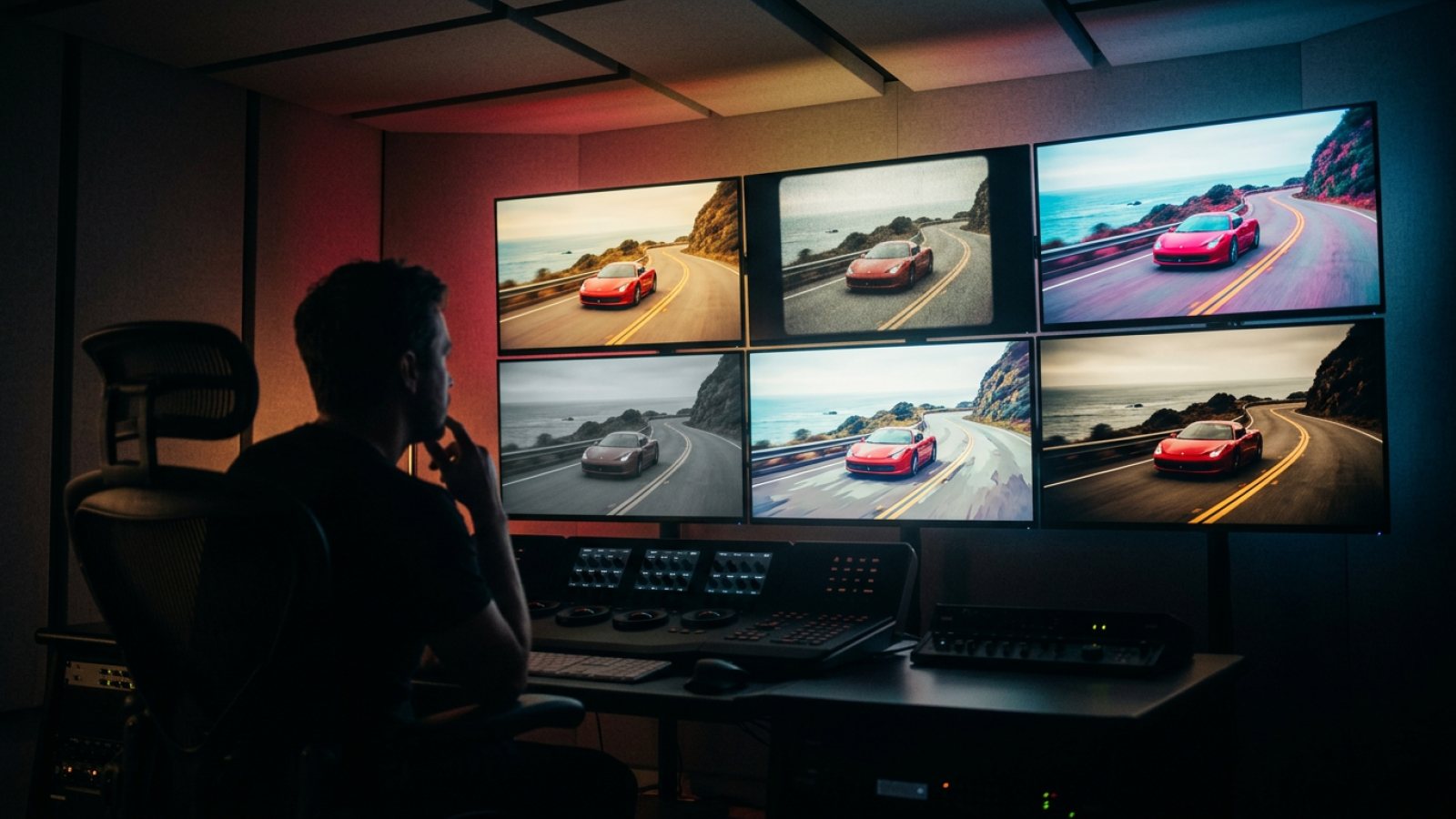
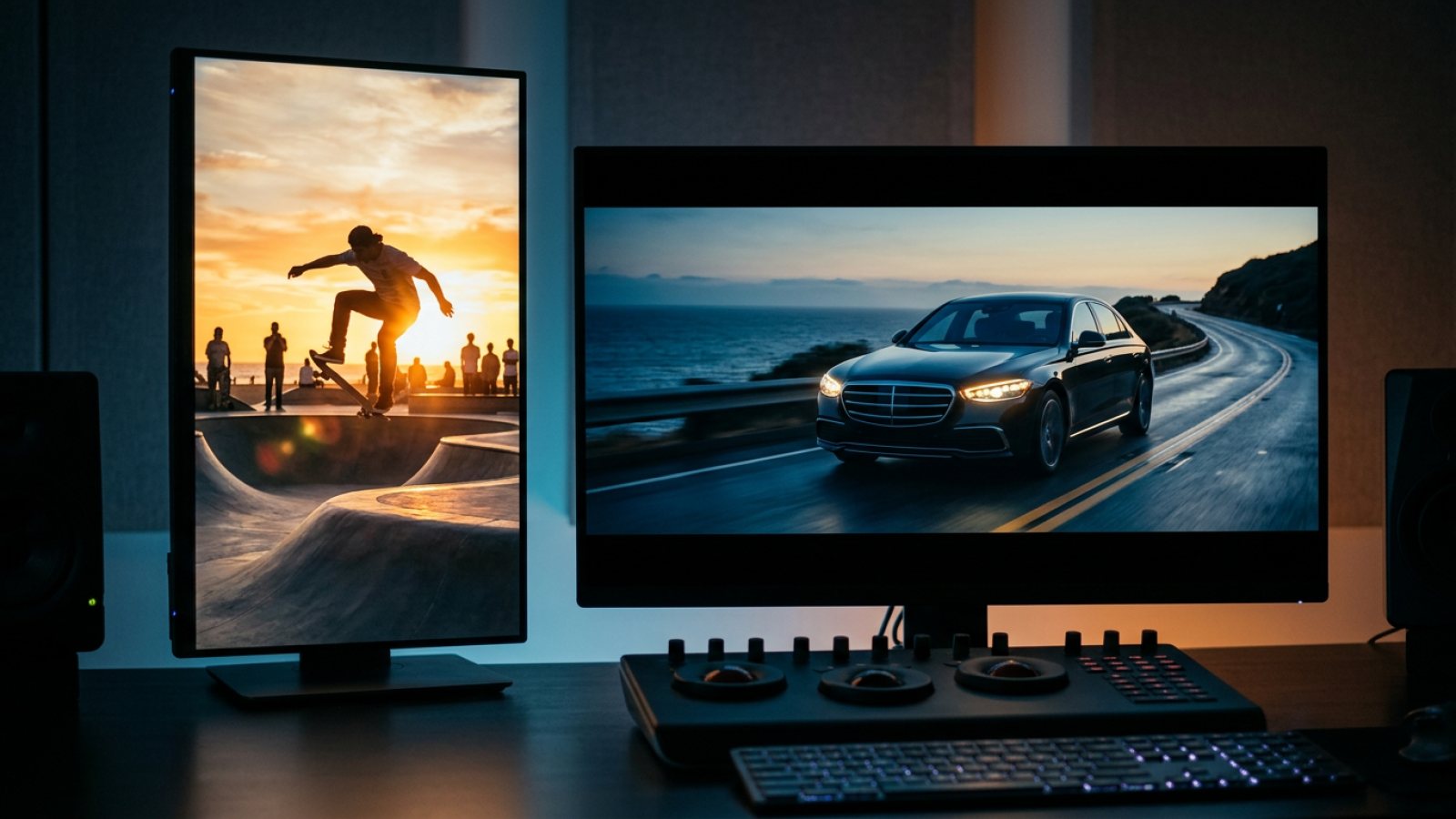
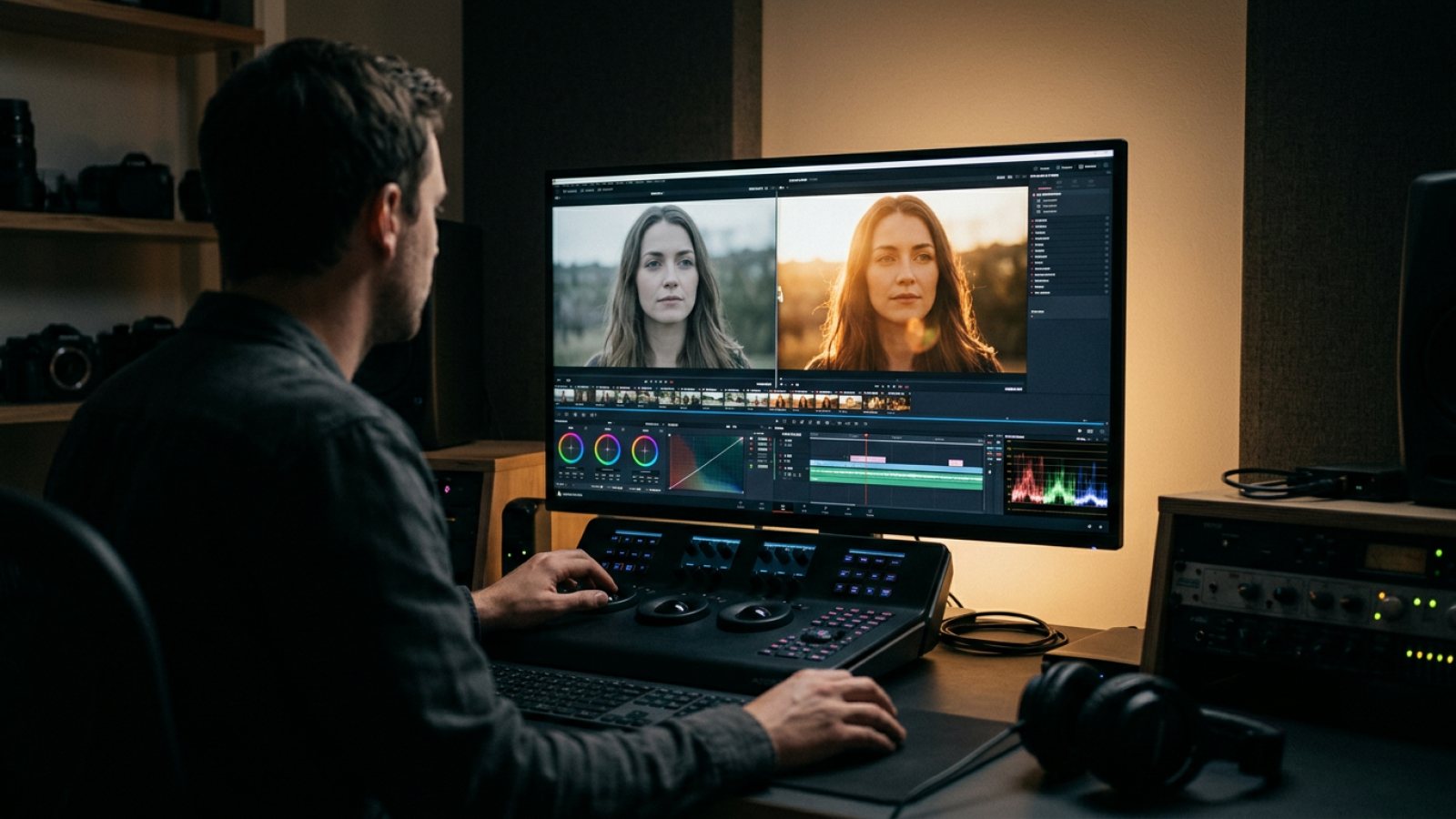
Video Relight takes your clip and returns the same shot under new light. Subjects, motion, camera and audio stay exactly as filmed. You choose from 12 lighting styles, including golden hour, studio softbox, neon night, moonlight, dramatic rim and sunset backlight. It accepts clips from 2.5 to 15 seconds, exports at 480p, 768p or 1080p, and usually returns in one to two minutes, with a before/after slider to compare.
It costs 1, 2 or 4 credits per second depending on resolution, so 15 seconds at 1080p is 60 credits, about €1.20 on Basic, against roughly $7.20 for a 1080p Genjutsu run. Use it when the problem is the look rather than the cast: turn flat midday footage into golden hour, a daylight product shot into a neon ad, or an interview into a studio-lit setup.
2. New shots from your own frames and references
In the Create panel, you can:
- Set a start frame and an end frame and let MiniMax H3 animate between them.
- Combine up to 5 elements (a character, a product, a place) into one scene, then animate it.
- Click Continue this shot on any clip to use its last frame as the start of the next one.
A 15-second clip uses 15 credits, about €0.30 on Basic, at up to 768p (MiniMax H3) or 720p (Seedance 2.5) with native audio. You choose the duration (up to 15 seconds), the model and the camera move. The prompt is sent exactly as you wrote it.
3. A real editor, not just clips
Genjutsu returns a clip. Nano Banana puts every generated or relit clip on a timeline, where you can trim, split, reorder, add titles, music and voice, change the format (16:9, 9:16, 1:1 or 4:5) and export one finished MP4. You do not need to round-trip through another app.
4. MCP and API included
Drive the same models from Claude or ChatGPT through the Nano Banana MCP server on any studio plan. You can also build on the REST API with the flat API plan.
Higgsfield Genjutsu vs Nano Banana: price comparison
| Higgsfield Genjutsu | Nano Banana Video | |
|---|---|---|
| Restyle a 15 s clip at 1080p | ~144 credits (~$7.20) | 60 credits (~€1.20) with Video Relight |
| Restyle a 15 s clip at 720p | ~104 credits (~$5.20) | 30 credits (~€0.60) at 768p |
| Generate a new 15 s clip | Credits vary by model | 15 credits (~€0.30) |
| Entry plan | $19/mo, 270 credits | €19.99/mo, 1,000 credits |
| Unlimited option | Credit plans (unlimited offers on selected models only) | Pro, €39.99/mo: unlimited generations |
| Timeline editor | No: clip output | Yes: trim, split, titles, music, export |
| AI agent access | Not documented for Genjutsu | MCP for Claude & ChatGPT |
When Genjutsu is still the better choice
We would rather you pick the right tool. Genjutsu does two things that Nano Banana does not offer today:
- Motion transfer to a new cast: keeping the exact performance of a reference video while replacing the person in it.
- Object and character swap inside existing footage: a new outfit, product or face on the same shot.
It also accepts longer source clips (up to 30 seconds) and more reference images. If one of those is the core of your project, Genjutsu is worth its credits. For relighting footage, generating shots from your own frames and editing them into a video, Nano Banana does the job for much less.
How to switch in five minutes
- Create an account and open the Video Studio.
- For footage you already have, open Light Studio, upload the clip and pick a lighting style.
- For new shots, open Create, add a start frame (or elements) and describe the action.
- Drop the results on the timeline, add titles and music, and export.
Comparing Higgsfield as a whole rather than Genjutsu alone? Read our Higgsfield alternative page.
Sources
- Higgsfield: Genjutsu
- Pippit: Higgsfield Genjutsu review, features and pricing
- Krea: Higgsfield pricing explained (2026)
Higgsfield prices and credit costs as published by Higgsfield and reviewers in September–October 2026. They change often, so check higgsfield.ai before you decide. Nano Banana prices as of October 21, 2026.