Relight any video after the shoot.
Upload a clip, pick a lighting style, get the same shot under new light. Golden hour, studio softbox, neon, moonlight: subjects, motion, camera and audio stay exactly as filmed.
12 looks, one click each.
Each style is a lighting reference the model reads for colour, direction and shadow softness, then applies to your whole clip.
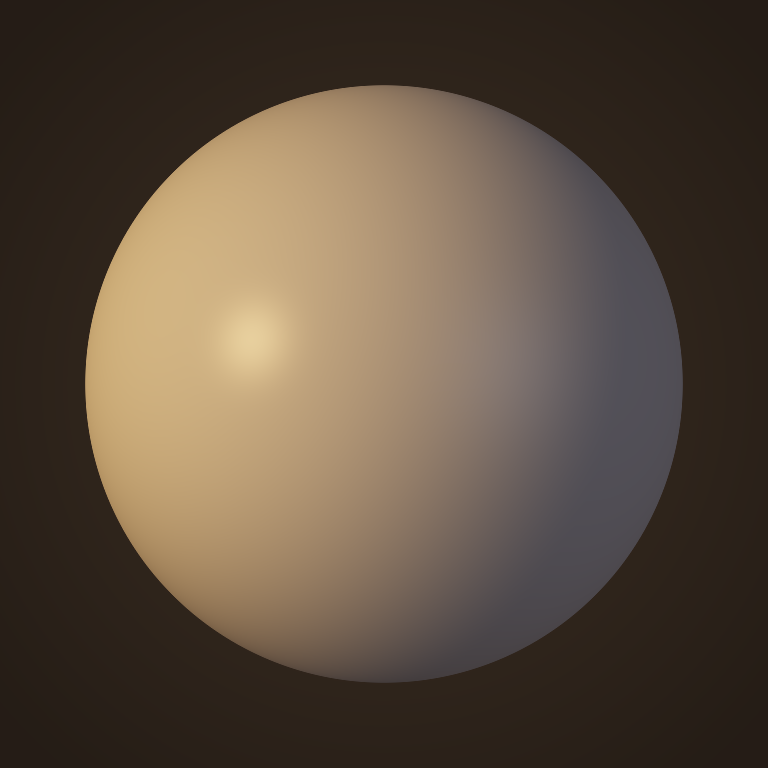
Golden Hour
Low warm sun from the side, long soft shadows.

Overcast Daylight
Even, shadowless sky light. Flattering on faces.
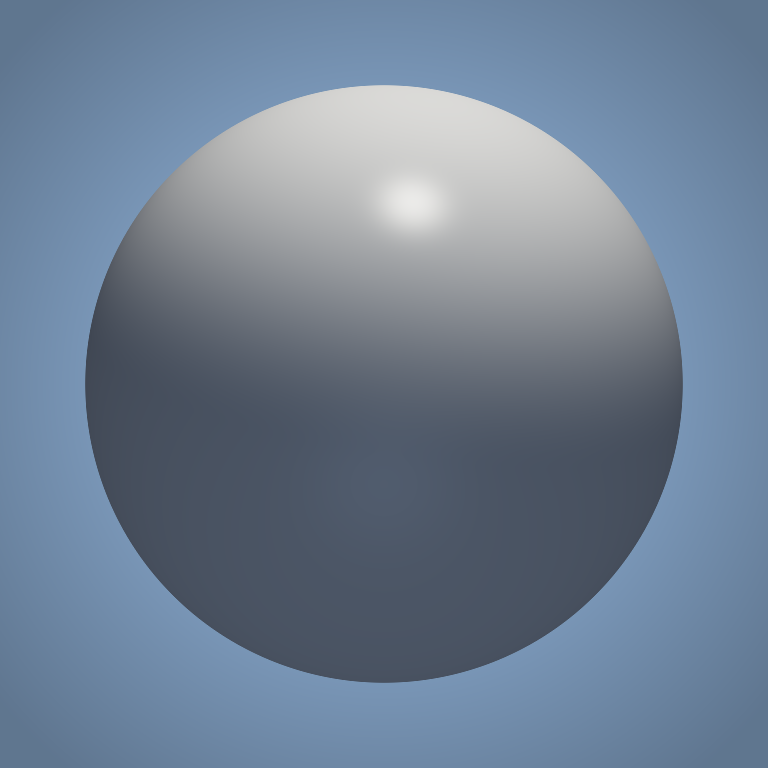
Hard Noon Sun
High, crisp sunlight with a blue sky fill.
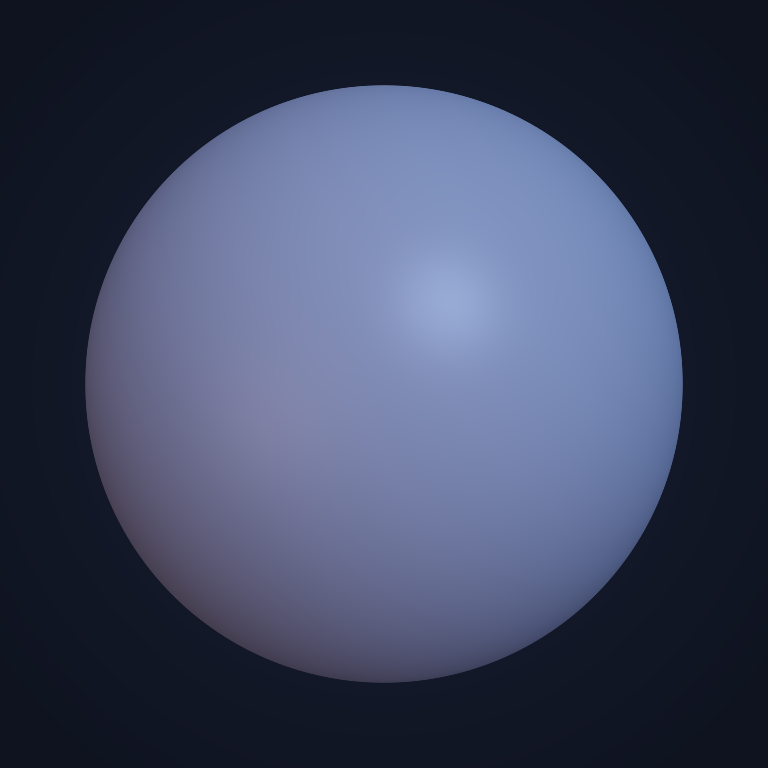
Blue Hour
Cool dusk ambience with a hint of warm city light.

Moonlight
Cold, dim top light for night scenes.

Studio Softbox
Clean key, soft fill and a white rim. Interview ready.

Dramatic Rim
Dark background, strong edge lights, deep contrast.

Sunset Backlight
Glowing orange halo behind the subject.
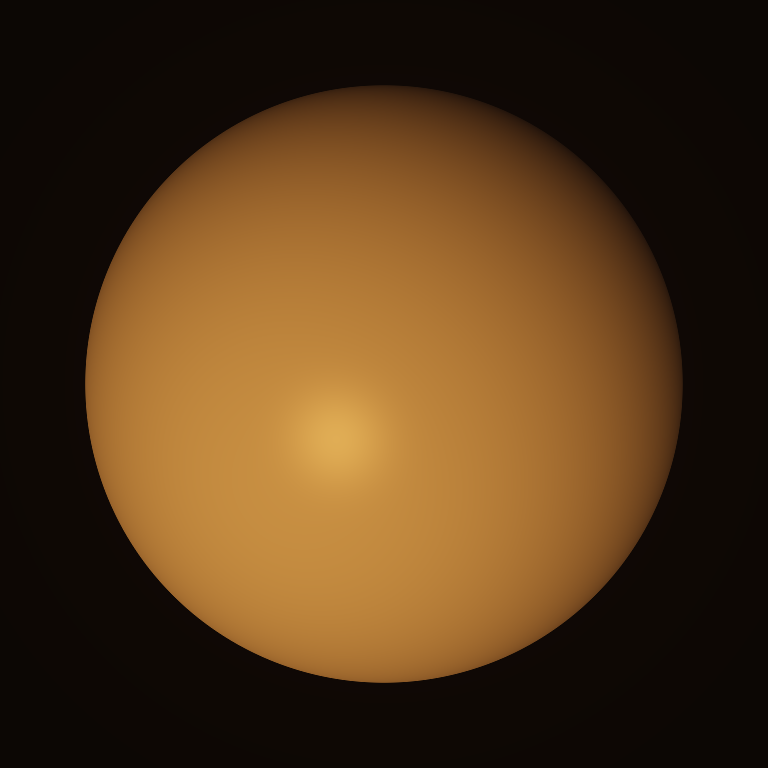
Candlelight
Warm, low, flickering-style interior glow.

Neon Night
Magenta and cyan neon from both sides.
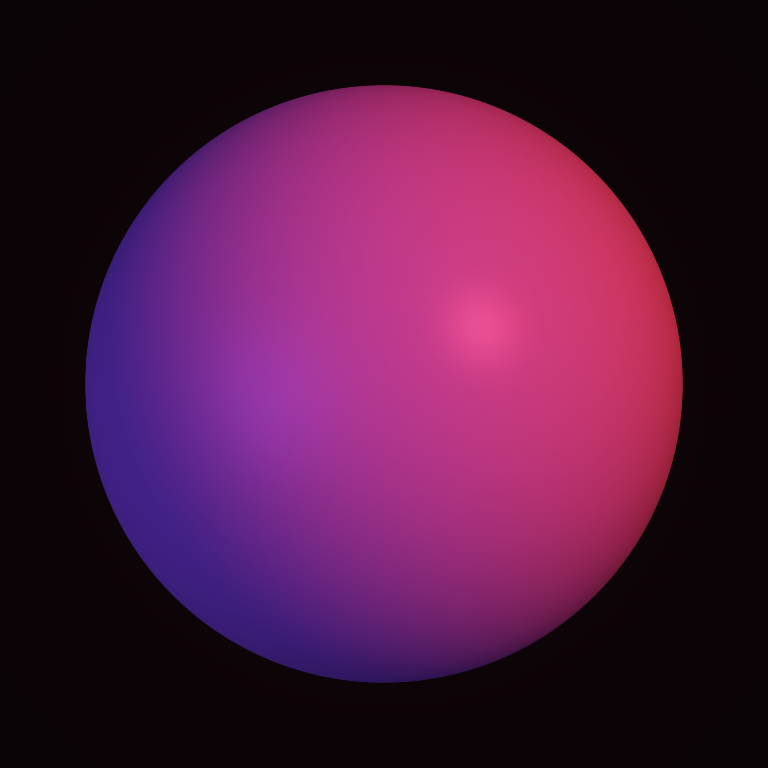
Club Red
Saturated red key with violet fill.
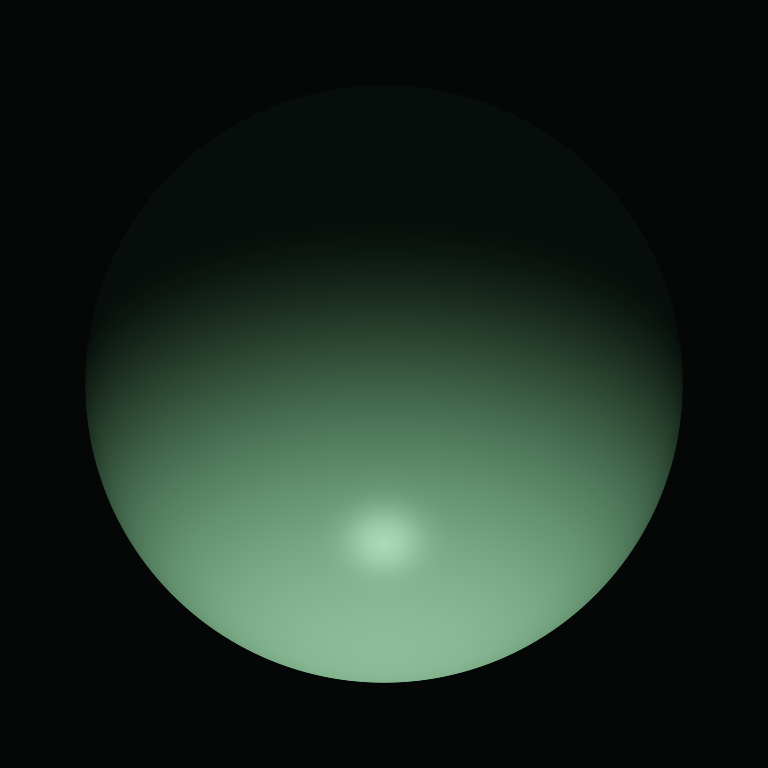
Horror Underlight
Eerie green light from below.
From flat footage to the light you wanted.
Upload your clip
MP4, MOV or WebM, 2.5 to 15 seconds. Phone footage, interviews, product shots or AI-generated clips all work.
Pick a lighting style
Natural, studio, cinematic or creative. Choose 480p, 768p or 1080p and keep your source format.
Compare and download
Results in about one to two minutes. Drag the before / after slider, then download the MP4 with your original audio.
When to relight instead of reshoot.
Fix bad lighting
Dim room, harsh ceiling lights or a grey day: give faces soft, even studio light without filming again.
Match a brand look
Make every UGC clip and ad variation share the same warm, cool or neon mood so the campaign feels shot in one session.
Day to night, sun to sunset
Turn midday footage into golden hour, blue hour or moonlight for storytelling, music videos and trailers.
Product videos
Relight a packshot with a softbox, a dramatic rim or a sunset backlight for each marketplace and ad format.
AI-generated clips
Generated a great shot with the wrong light? Relight it instead of re-rolling the prompt and losing the motion you liked.
Creators & editors
A creative grade that real light reacts to: shadows move, highlights land on faces, not just a colour filter.
What is video relighting?
How do I relight a video with AI?
Does it keep my subject, motion and audio?
How long can my video be?
Which formats and resolutions are supported?
Can I fix a video that is too dark or badly lit?
How much does it cost?
Same shot. Better light.
Light Studio is included in every plan, from €29 €19.99/mo. Cancel anytime.