Lighting used to be decided on set. If the room was too dark, the sun went behind a cloud or the ceiling lights turned faces green, the only real fix was to film again. AI video relighting changes that: you keep the shot you already have and change the light afterwards.
What "relighting a video" actually means
A colour grade or a filter changes the colour of every pixel in the same way. It can make a clip warmer or cooler, but it cannot move a shadow, add a highlight on a cheek or make light come from a window that was not there. Relighting is different: the model rebuilds the image so that faces, objects and surfaces react to a new light source, with its own colour, direction and softness.
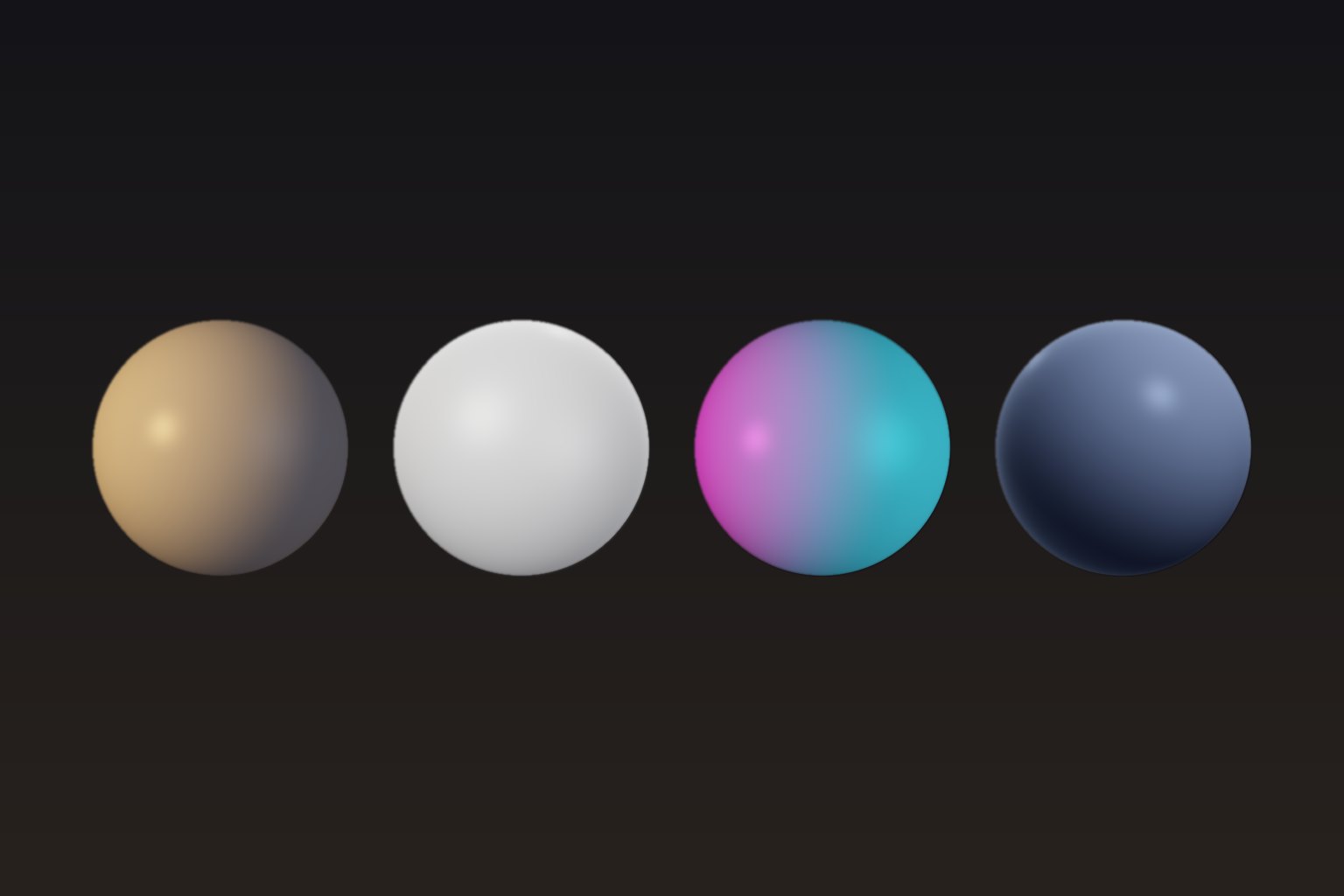
On Nano Banana, relighting runs in Light Studio and is powered by MiniMax H3 Max Relight. You give it your clip and a lighting reference (a lit sphere that shows the colour, direction and shadow softness of the light you want). The model describes your scene, reads the light from the sphere and regenerates the video under that light while keeping the subjects, setting, motion and camera move.
How to relight a video in 4 steps
- Prepare a short clip. Relight works on clips of about 2.5 to 15 seconds. Trim the moment you want to keep and export it as MP4, MOV or WebM. Phone footage, interviews, product shots and AI-generated clips all work.
- Open Light Studio and upload it. In your dashboard, open Light Studio and drop the file. The studio checks the duration and shows the cost before you start.
- Pick a lighting style. There are 12 templates grouped as natural (Golden Hour, Overcast Daylight, Hard Noon Sun, Blue Hour, Moonlight), studio (Studio Softbox, Dramatic Rim), cinematic (Sunset Backlight, Candlelight) and creative (Neon Night, Club Red, Horror Underlight).
- Relight, compare, download. Choose 480p, 768p or 1080p and keep the source format. The result is usually ready in one to two minutes. Drag the before / after slider to check it, then download the MP4. Your original audio is kept.
Which lighting style should you choose?
To make people look better
Studio Softbox gives a clean key light, a soft fill and a light rim on the edges, which is the classic interview setup. Overcast Daylight is even softer and very forgiving on skin. Both are good first choices for talking-head videos filmed under bad lights.
To change the time of day
Golden Hour adds a low, warm sun from the side with long soft shadows. Blue Hour and Moonlight push the scene towards dusk or night. Hard Noon Sun does the opposite: crisp, high light with a blue sky fill.
For a mood or a brand look
Neon Night (magenta and cyan from both sides), Club Red and Dramatic Rim are strong looks for music videos, trailers and ads. Sunset Backlight creates a glowing halo behind the subject.
Tips for clean results
- Start from a sharp, visible subject. Relighting re-renders the scene, so it needs to see it. A face lost in pure black or a blown-out sky gives the model less to work with.
- Keep clips short and focused. 5 to 10 seconds per shot is the sweet spot. For a longer edit, relight the key shots one by one with the same style so they match.
- Use the same template across a sequence. Shots relit with the same lighting reference look like they were filmed in the same session.
- Test in 480p, finish in 1080p. 480p costs a quarter of 1080p. Try two or three styles cheaply, then render the winner in high quality.
- Check fine details. As with any generative model, small text, logos and very fine patterns can change slightly. Compare with the slider before publishing.
Limits to know
Each relight handles up to 15 seconds and outputs 24 fps. The output length matches the prepared source (it can be a fraction of a second shorter after the conversion). The model changes lighting, not content: it will not remove objects, change outfits or move the camera. For those, generate a new shot in the Nano Banana studio with Seedance 2.5 or MiniMax H3.
How much does it cost?
Relighting uses credits per second of video: 1 credit per second in 480p, 2 in 768p and 4 in 1080p. A 10-second clip in 768p uses 20 credits. If a relight fails, the credits are refunded automatically.
Light Studio is included in every Nano Banana plan, from €19.99/mo. Create your account and relight your first clip in a couple of minutes.

