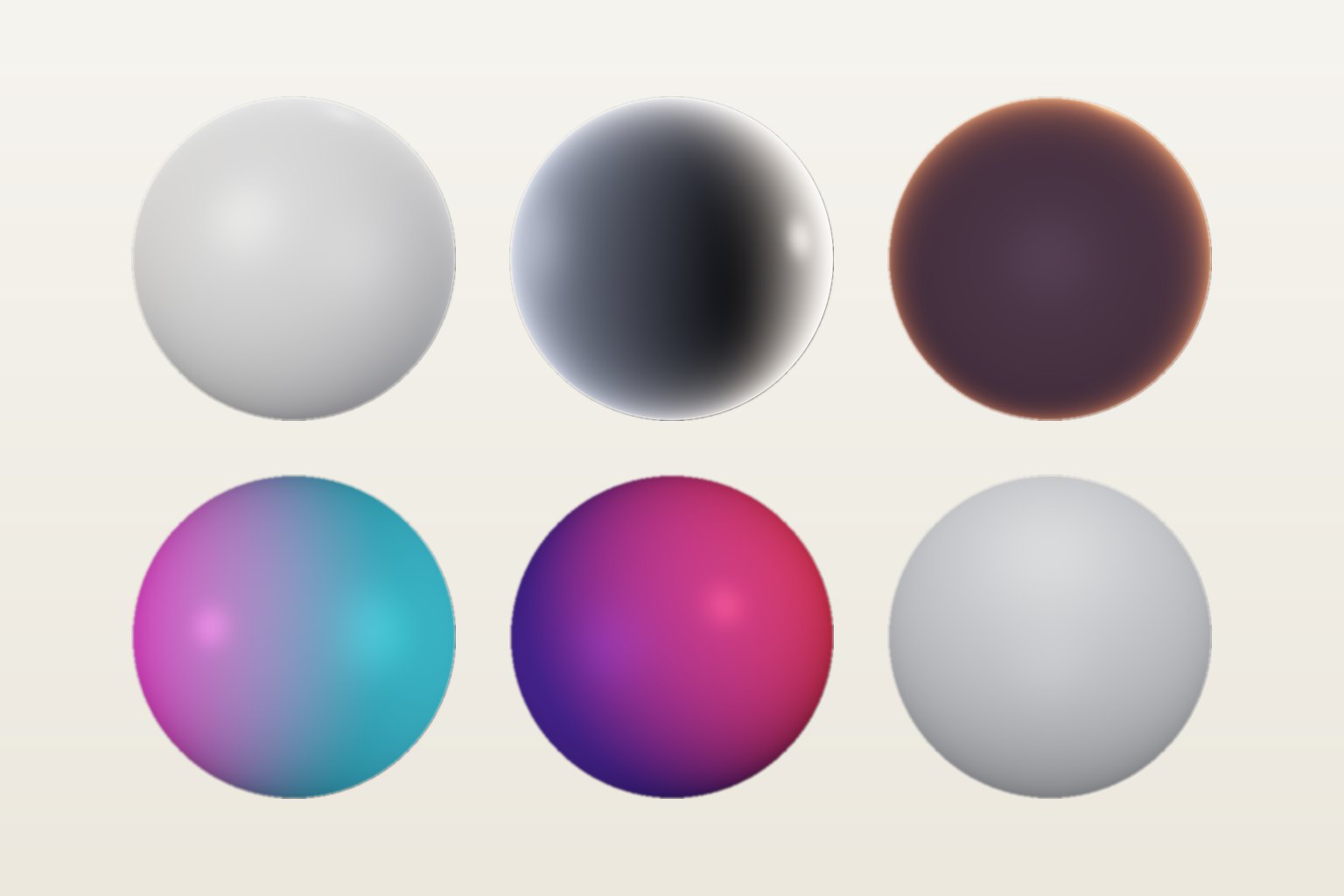
In e-commerce and paid social, lighting does a lot of the selling. A soft key makes packaging look premium, a rim light separates the product from the background, and a bold colour grabs attention in a feed. Until now, each of those looks meant another setup and another shoot.
Why lighting matters so much for product video
- Material and texture: leather, glass, metal and fabric only read as premium when the light shows their surface.
- Separation: an edge or rim light pulls the product away from the background, which matters on small mobile screens.
- Consistency: a catalogue or a campaign looks professional when every clip shares the same light.
- Thumb-stopping power: unusual light (neon, deep red, a sunset halo) helps an ad stand out in a crowded feed.
One clip, many lighting setups
With Nano Banana Light Studio you upload a product clip of up to 15 seconds and relight it with a lighting reference. The product, the motion (a turntable, a hand reveal, a slow push-in) and the camera stay the same. Only the light changes.
Styles that work well for products
- Studio Softbox: the clean, catalogue-ready look. Even light, soft shadows, a subtle rim.
- Dramatic Rim: dark background and strong edge lights for luxury, tech and fragrance.
- Sunset Backlight: a warm halo for lifestyle, beauty and summer campaigns.
- Neon Night and Club Red: high-energy looks for gaming, drinks, streetwear and nightlife.
- Overcast Daylight: soft natural light that keeps colours accurate for marketplaces.
A practical workflow for ads
- Film or generate one clean base clip. Neutral, well-exposed light gives the model the most information. You can also generate the base shot in the Nano Banana studio from a packshot with image to video.
- Relight it in 3 to 5 styles at 480p. Test cheaply and pick the looks that fit each channel.
- Render the winners in 1080p in 9:16 for Reels and TikTok, 1:1 for feeds or 16:9 for YouTube.
- A/B test the lighting like you would test a hook: same product, same motion, different mood.
What to watch out for
- Labels and small text: relighting re-renders the image, so fine print can shift slightly. Check labels with the before / after slider, and keep legal text as an overlay added in your editor.
- Exact brand colours: coloured light changes how a product colour looks. For colour-accurate catalogue shots, prefer Studio Softbox or Overcast Daylight.
- Clip length: each relight is limited to 15 seconds, which suits ads and product loops well.
Cost compared to a reshoot
Relighting is billed in credits per second of video (1 per second in 480p, 2 in 768p, 4 in 1080p). A 10-second product clip in 1080p uses 40 credits, and failed renders are refunded. For a team that would otherwise book a studio day to get a second lighting setup, that is a very different budget.
See also: How to Fix Bad Lighting in a Video.
Light Studio is included in every Nano Banana plan, from €19.99/mo. Create your account and relight your first clip in a couple of minutes.
