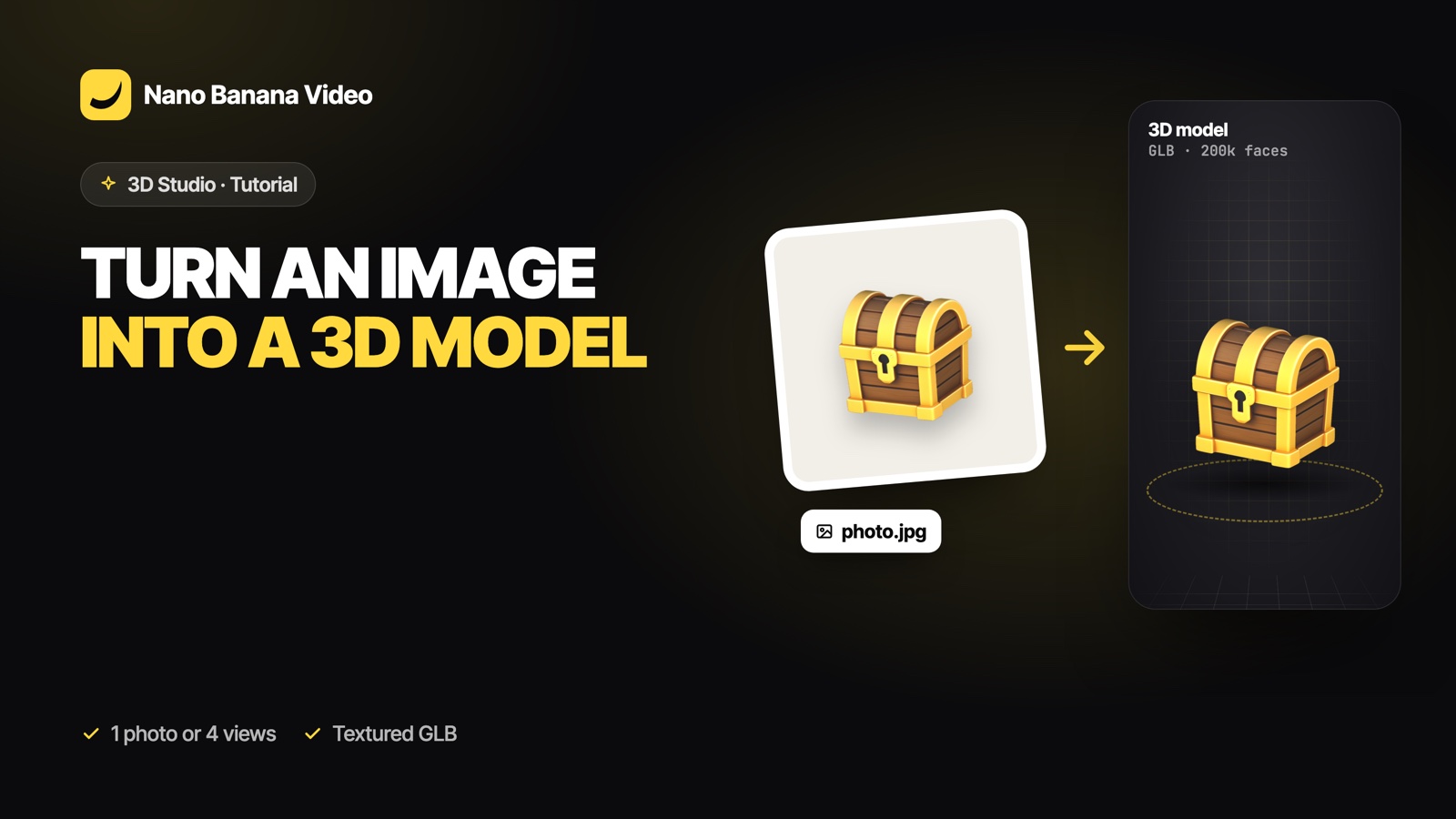
Short answer: drop a clean picture of one object into an image-to-3D model and it rebuilds the object in 3D, including the sides the photo cannot show. In Nano Banana 3D Studio you can use one image with Hunyuan 3D 3.1 Pro, Hunyuan 3D 3.1 Rapid or Meshy 7.1, or give Hunyuan 3D 3.1 Pro four views (front, back, left, right) for the closest match. You get a textured model to rotate in the browser and download as GLB.
What makes a good picture for 3D
The model has to guess the hidden sides from what it sees, so the picture decides most of the result:
- One object only, centred and fully in frame. Scenes with several objects or a cropped edge give merged or cut shapes.
- A plain background. White, grey or any flat colour. Remove clutter behind the object.
- Soft, even light. Hard shadows get baked into the texture as dark patches.
- A three-quarter angle shows two sides and the top, which helps the depth. A strict front view works too, but the back is more of a guess.
- Enough resolution. The object should fill most of the frame.
No photo? Make the reference first in the Image Studio (for example “product shot of a ceramic mug on a white background, three-quarter view”) and send that image to 3D Studio.
One image or four views?
| Input | Models | When to use it |
|---|---|---|
| One image | Hunyuan 3D 3.1 Pro, Hunyuan 3D 3.1 Rapid, Meshy 7.1 | Most objects; fast and simple |
| Four views (front, back, left, right) | Hunyuan 3D 3.1 Pro | When the back or sides matter: a product, a character with details behind, a logo on the side |
With four views, keep the same light, distance and background in every shot, and turn the object (or walk around it) by a quarter turn each time.
Step by step
- Open 3D Studio and choose Image or Views as the input.
- Drop the picture (or the four views in their slots).
- Pick the model. Hunyuan 3D 3.1 Pro for the most detail (30 credits, 5 to 15 minutes), Rapid for quick drafts (15 credits, 3 to 5 minutes), Meshy 7.1 for game assets with a polygon budget and rigging (50 credits, 2 to 5 minutes).
- Set the options: detail level, PBR materials, or geometry only if you will texture it yourself.
- Generate. Up to three models can render at once; you only pay when the model is ready.
- Inspect and download. Turn the model under studio, sun or night light, check the wireframe, then download GLB (and OBJ, FBX, USDZ or STL when the model offers them).
Fixing the usual problems
- The back looks wrong: use four views with Hunyuan 3D 3.1 Pro.
- Dark patches on the texture: the photo had hard shadows; shoot again in soft light or make a cleaner reference.
- Two objects fused together: crop to a single object.
- Too heavy for a game: use Meshy 7.1 with a low detail target (about 8,000 polygons), or decimate the Hunyuan mesh in Blender.
- A thin part is missing (a handle, an antenna): add a view that shows it clearly, or rebuild it in Blender.
3D Studio is part of every paid Nano Banana plan, from €19.99/mo with 1,000 credits: a model uses 15 credits with Hunyuan 3D 3.1 Rapid, 30 with Hunyuan 3D 3.1 Pro and 50 with Meshy 7.1, charged only when it is ready. Create your account and make your first model.
Frequently asked questions
Can AI make a 3D model from a single photo?
Yes. Image-to-3D models such as Hunyuan 3D 3.1 and Meshy 7.1 rebuild an object from one picture, including the sides the photo cannot show. A clean picture of one object on a plain background gives the best result.
How do I get a more accurate back side?
Give Hunyuan 3D 3.1 Pro four views of the object (front, back, left and right) instead of one image, with the same light and distance in each.
What file do I get?
A textured GLB for every model, which opens in Blender, Unity, Unreal, Godot and web viewers. Meshy 7.1 also gives FBX, USDZ and STL; Hunyuan 3D 3.1 Rapid gives OBJ with its material.
How long does image to 3D take?
Usually 2 to 5 minutes with Meshy 7.1, 3 to 5 minutes with Hunyuan 3D 3.1 Rapid and 5 to 15 minutes with Hunyuan 3D 3.1 Pro.
Can I use a picture generated by AI?
Yes. A generated product shot or character on a plain background is often a better reference than a real photo, because the light and framing are clean.