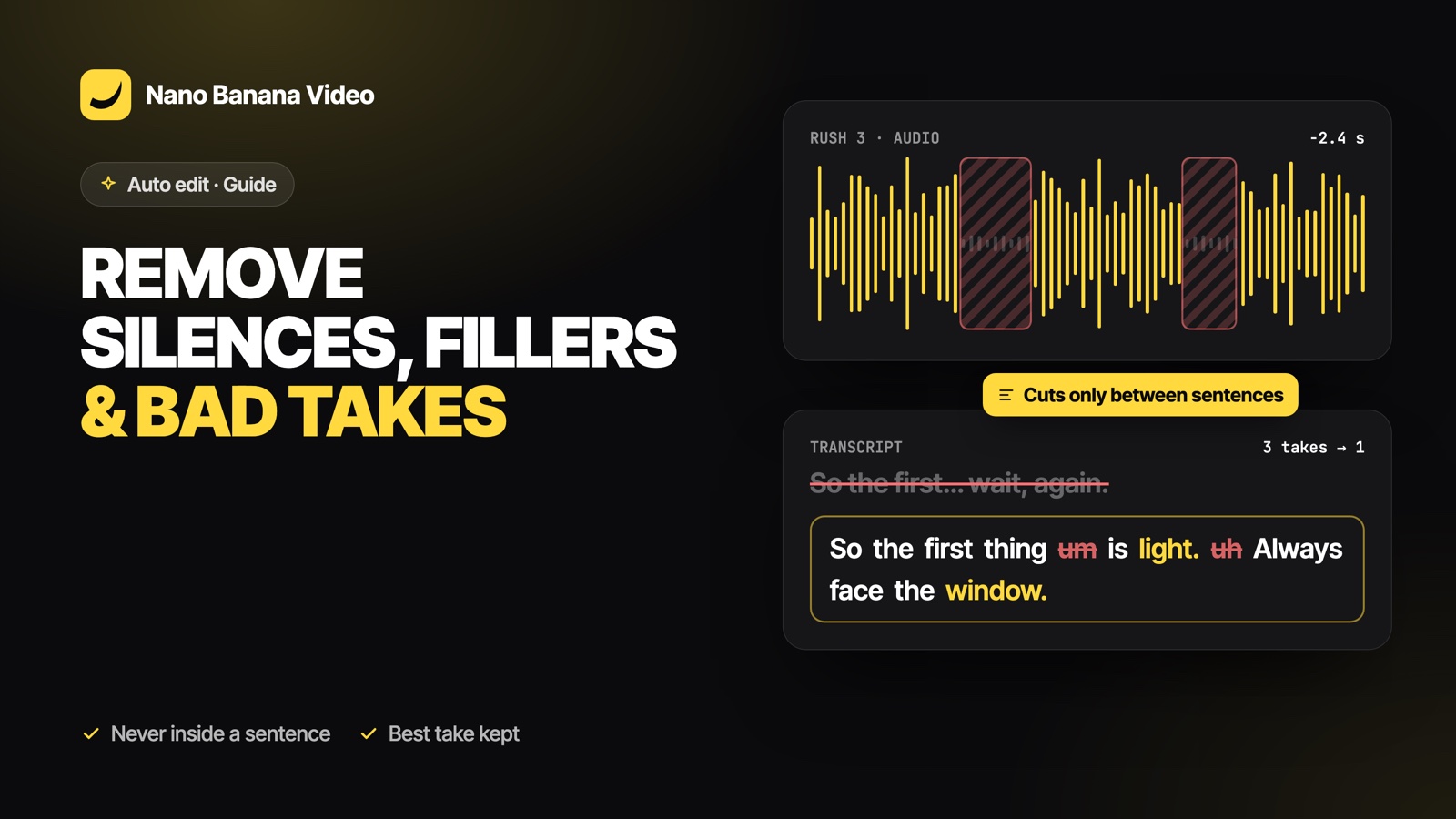
Short answer: a silence remover alone is not enough. It cuts the quiet parts, but keeps your false starts and the three versions of the same sentence, and it often cuts so tight that words sound clipped. To clean a talking video properly, the tool has to understand what you say: keep the best take of each idea, then remove pauses and fillers inside the sentences it keeps. That is how Nano Banana Auto edit works.
Three kinds of “dead weight” in raw footage
| Problem | Example | What fixes it |
|---|---|---|
| Silences | Breathing, thinking, looking at notes | Detecting quiet passages in the audio |
| Filler words | “um”, “uh”, “euh”, “hmm” | A word-level transcript with timings |
| Bad takes | False starts, “wait, again”, the same line said three times | Understanding the meaning of what is said |
Most automatic tools stop at the first row. The third row is where most editing time goes.
Why classic silence removal sounds choppy
A silence detector looks at volume only. It does not know that a short pause in the middle of “and then… we added the sauce” is part of the sentence, and that the pause after it is the end of an idea. Cut both the same way and you get a robotic rhythm, words with their first or last letter missing, and sentences glued to the wrong ones.
How Auto edit removes them without breaking sentences
- Word timings. Each rush is transcribed by ElevenLabs Scribe, with a start and end time for every word, in 99 languages.
- Sentences first. The transcript is split into sentences, then grouped into phrases. Claude Sonnet 5.5 decides which phrases to keep and in what order, choosing the best of several takes and skipping false starts, tests, setup talk and off-topic chatter.
- Clean inside, never across. In each kept phrase, pauses and fillers are removed. A cut never falls inside a sentence that was kept whole, and every piece starts at the beginning of a sentence and ends at its end.
- Breathing room. A short margin is kept before and after the words so nothing sounds clipped. The margin depends on the format: tighter for TikTok, a little more room for YouTube.
- No slivers. Tiny fragments under about half a second are merged with their neighbours instead of becoming flash cuts.
Which filler words are removed?
Only real hesitations: “um”, “uh”, “erm”, “hmm”, and their equivalents such as “euh” in French. Words that carry meaning in some sentences, like “so”, “like” or “you know”, are left alone: removing them blindly changes what you say.
What about retakes?
When an idea appears several times, Claude keeps the most complete, fluent and confident version, usually the last one, and skips the others. Each skipped rush or passage appears in the edit feed with a short reason, so you can check the choice. If you disagree, the original clip is still in Media / Assets and you can put it back on the timeline.
Tips for footage that cleans well
- When you fluff a line, pause, then say the whole sentence again from the start. Partial restarts are harder to join.
- Do not talk over your own retake (“no wait, okay so…”): a clear pause helps.
- Keep background music off while filming; add it in the edit.
Auto edit is part of every paid Nano Banana plan, from €19.99/mo with 1,000 credits; an edit uses 10 credits and is only charged when it is delivered. Create your account and drop your first folder of rushes.
Frequently asked questions
How do I remove silences from a video automatically?
Drop the clips into an editor that detects silences from the audio. In Nano Banana Auto edit, silences and filler words are removed inside each kept sentence, with a short margin so words never sound clipped.
Can AI remove bad takes and false starts?
Yes. Auto edit reads a word-level transcript of every rush; when the same idea is said several times, Claude Sonnet 5.5 keeps the best take and skips false starts, tests and setup talk.
Will it cut in the middle of my sentences?
No. Kept pieces always start and end on sentence boundaries. Only pauses and hesitation words are removed inside a sentence.
Does it remove words like "so" or "like"?
No. Only hesitations such as um, uh, erm, hmm or euh are removed automatically, because words like so or like often carry meaning.
Can I undo a cut the AI made?
Yes. The edit is a normal timeline: trim any clip back, or bring a skipped take back from Media / Assets.