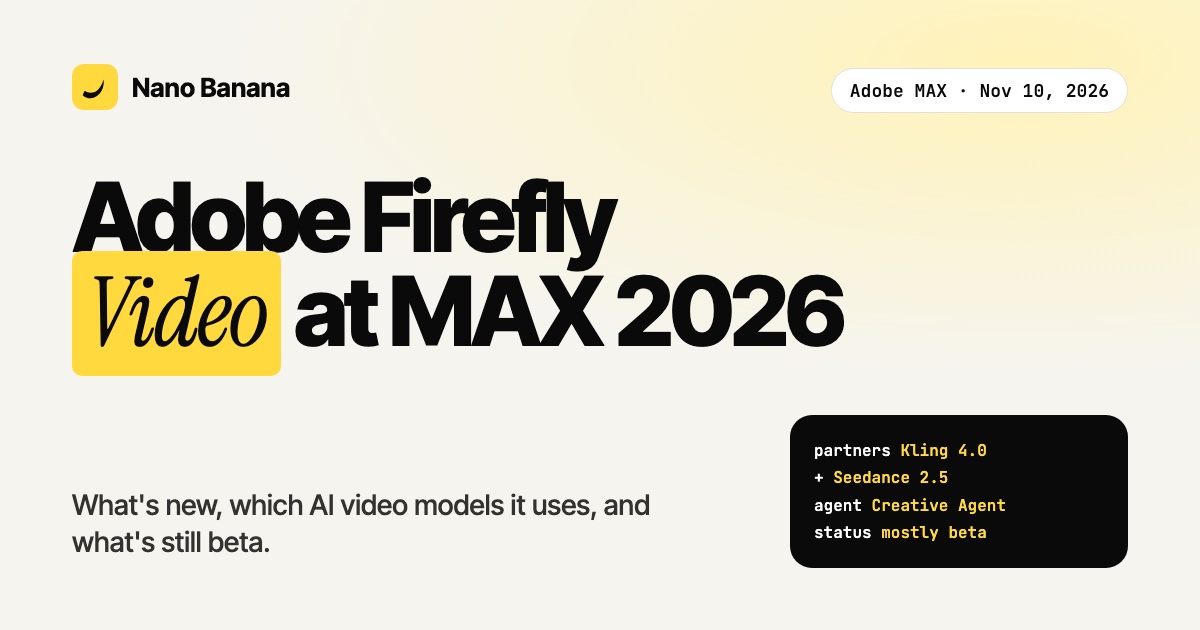
At Adobe MAX 2026 in Miami Beach on November 10, Adobe turned Firefly into what it calls "the AI creative studio". The headline for video makers is Firefly Video: one workflow that goes from a story idea to a finished cut, with partner models such as Kling 4.0 and Seedance 2.5 built in. Here is what was announced, what is actually available today, and how it compares with a browser studio like Nano Banana.
Adobe MAX 2026 video announcements in one minute
- Date: November 10, 2026, Adobe MAX, Miami Beach.
- Firefly Video: plan a story from arc to scenes and shots, assemble clips on a simplified timeline, add captions, generate transitions and b-roll.
- Adobe Creative Agent: an agent that now runs across Firefly and powers the Firefly AI Assistant (beta), with a Plan Mode, a Model Selector with Auto-Select, and always-on agents in preview.
- Partner models named by Adobe: Dreamina Seedance 2.5, Kling 4.0, GPT Image 2.6 (Sunburst and Flare), Nano Banana 2.1, plus models from Google, OpenAI, ElevenLabs and Topaz Labs.
- Premiere mobile: licensed music from Universal Music Group and Warner Music Group, and a Creative Agent assistant in private beta that makes first cuts from your footage.
- Pricing: Adobe did not publish new prices with the announcement.
What Firefly Video actually does
Firefly Video is less a new model than a production workflow. You start from a story, break it down into scenes and shots, generate or import clips, then cut them on a timeline inside Firefly. Captions, transitions and b-roll are generated in the same place. In Adobe's live demo, a filmmaker moved from Firefly Boards (moodboards) into Firefly Video, generated audio for a one-shot and finished the ending with the AI editor.
The interesting part is the model choice. Firefly no longer relies only on Adobe's own models: you can pick a partner model for each shot, or let Auto-Select choose. For video, that means the same names creators already use elsewhere, Kling 4.0 and Seedance 2.5 in particular.
What is available today, and what is beta
Adobe says Edit Text, Retouch, Relight and Quick Actions are generally available in Firefly now. Most of the rest is labeled beta or preview: the Firefly AI Assistant, Firefly Design, Firefly Graph, always-on agents, and the Creative Agent assistant in Premiere mobile (private beta). Firefly Builder, which turns designs into code prototypes, is a private beta behind a waitlist. Some coverage describes all of the new tools as beta, so check the status inside your own account before you plan a project around one of them.
Adobe Firefly Video vs a browser AI video studio
| Adobe Firefly Video | Nano Banana Video Studio | |
|---|---|---|
| Best for | Teams already on Creative Cloud, Premiere and Photoshop | Creators who want generation and editing in one browser tab |
| Video models | Adobe models plus partners (Kling 4.0, Seedance 2.5, others) | MiniMax H3, Seedance 2.5, FLUX 3 Max, Claude and Claude Fable 5.2 3D animations |
| Images for image-to-video | Firefly Image, GPT Image 2.6, Nano Banana 2.1 | Nano Banana 2.1, GPT Image 2.6 |
| Editing | Firefly timeline, then Premiere | Built-in timeline with automatic editing of raw footage |
| Status | Many features in beta | Available now |
The two are not exclusive. A common workflow is to generate shots where the model is cheapest or best for the job, then finish in the editor your team already uses.
What it means for AI video creators
- Model choice is now the norm. Even Adobe, which built its brand on its own "commercially safe" models, now ships third-party video models inside Firefly. Picking the right model per shot matters more than picking one tool.
- Agents are moving into editing. First cuts from raw footage, natural-language edits and background agents are coming to mainstream editors. If you want that today, see how to edit a video automatically with AI.
- Story first, clips second. Firefly Video starts from scenes and shots, not from a single prompt. Writing a shot list before generating is the habit that saves the most credits, whatever tool you use.
FAQ
When was Adobe Firefly Video announced?
At Adobe MAX 2026 in Miami Beach, on November 10, 2026.
Which AI video models are in Adobe Firefly?
Adobe's own models plus partner models. Adobe named Dreamina Seedance 2.5 and Kling 4.0 for video, and models from Google, OpenAI, ElevenLabs and Topaz Labs across video, audio and image.
Is Firefly Video free?
Adobe did not announce new pricing with MAX 2026. Generations use Firefly plans and credits; check Adobe's Firefly pricing page for your region.
Can I use Kling or Seedance outside Adobe?
Yes. Seedance 2.5 is available in Nano Banana Video Studio, alongside MiniMax H3 and FLUX 3 Max, with editing on the same timeline.
Sources: Adobe newsroom, November 10, 2026; No Film School. Features and availability are as announced by Adobe; status as of November 11, 2026.