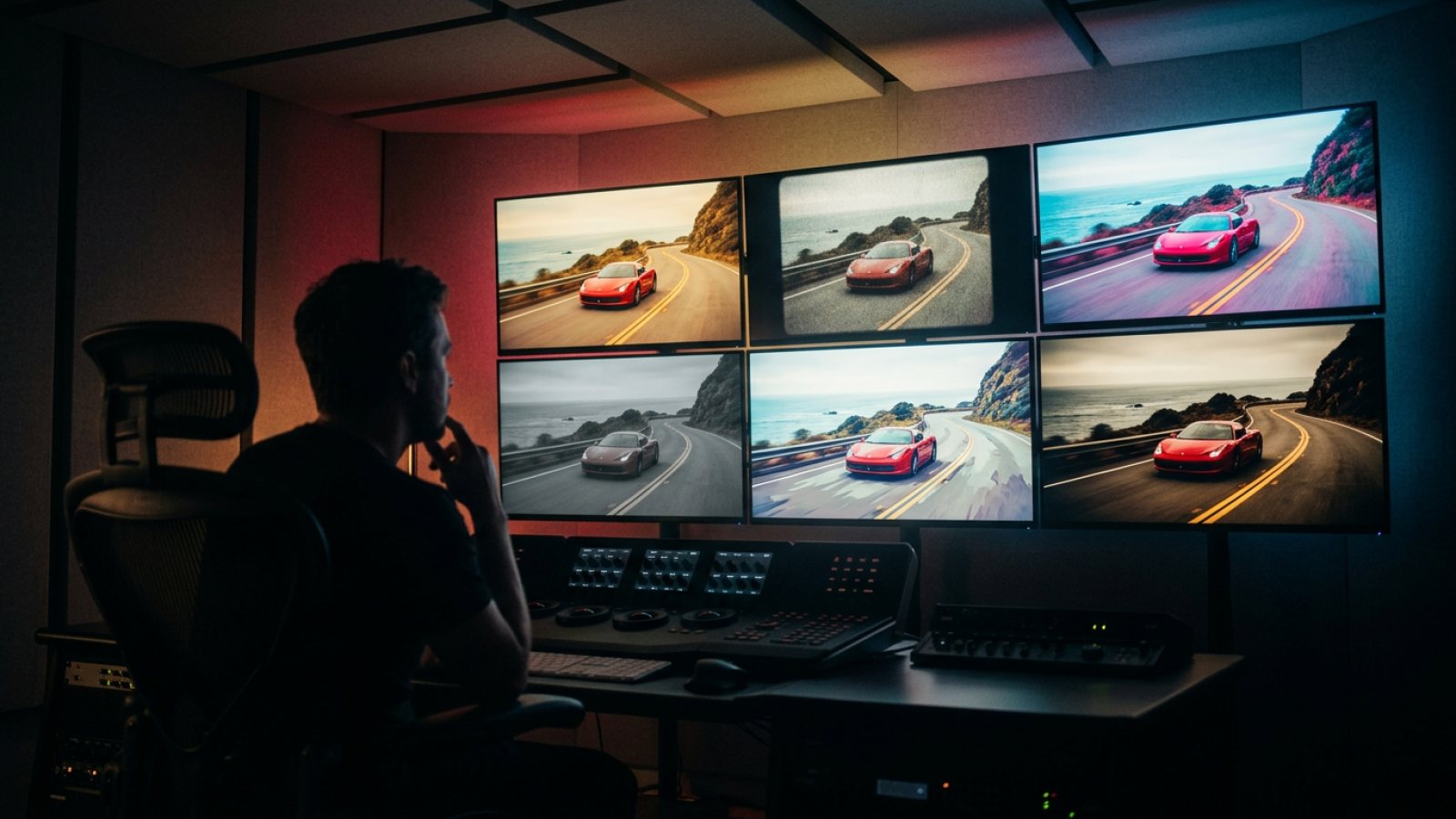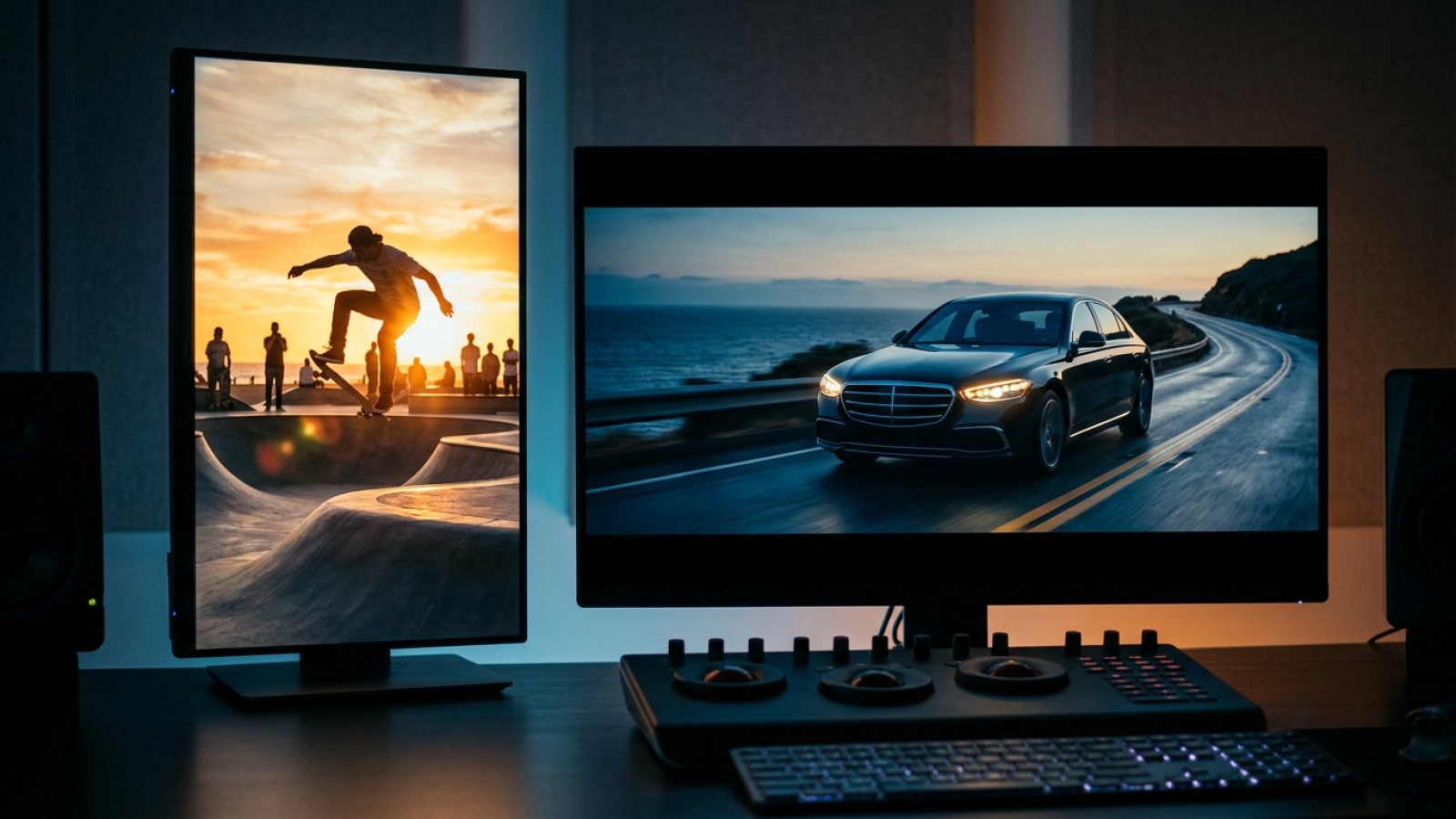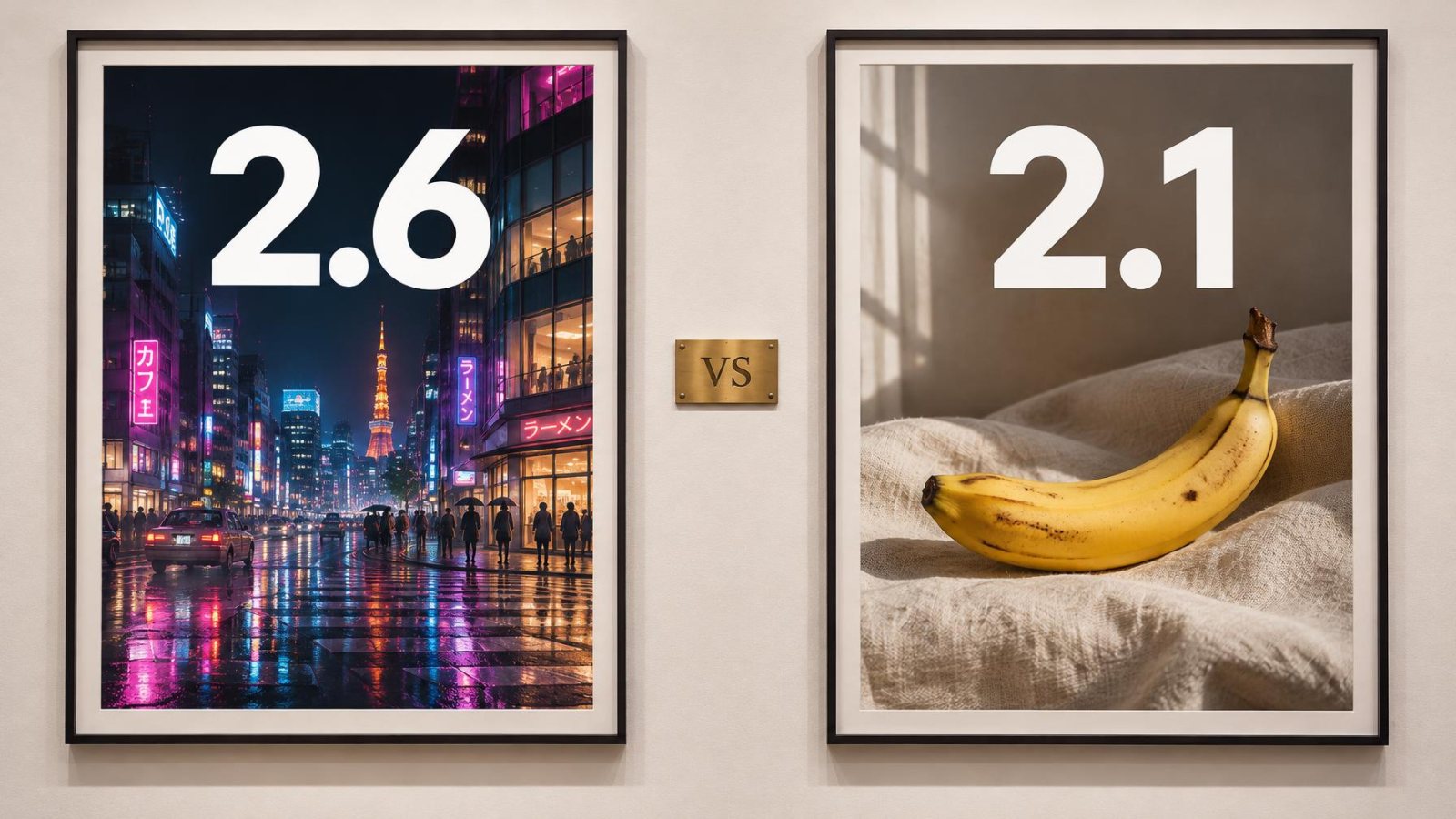
Short answer: pick GPT Image 2.6 when the image contains text or has to look designed: posters, packaging, thumbnails, logos, infographics. Pick Nano Banana 2.1 when you want a natural-looking photo fast, or need to fix one area of an image with a mask. Both are in the same Nano Banana Video Image Studio, and both can be animated into video in one click.
The two models in one table
| GPT Image 2.6 | Nano Banana 2.1 | |
|---|---|---|
| Made by | OpenAI | |
| Released | November 4, 2026 | Late 2026 |
| Best at | Text, layouts, posters, packaging | Natural photos, light, skin, materials |
| Editing | Reference-based edits, high consistency (Sunburst) | Mask-based editing of a selected area |
| Consistency | Reusable reference images | Subject consistency across images |
| Speed in our studio | About 20 to 30 seconds (Sunburst) | Usually faster |
| Resolution in our studio | About 1 megapixel, any ratio | 1K, 2K or 4K |
| Extra outputs | GIF loops, SVG (Sunburst, via the API) | None |
| In Nano Banana Video | Yes, paid plans | Yes, paid plans |
Text and design: GPT Image 2.6 wins
Ask both models for a poster with a title, a date and a price. GPT Image 2.6 spells everything right far more often, keeps the hierarchy (big title, small details) and respects the layout you describe. Both images at the top of this article, including the "2.6", "2.1" and "VS" text, were made with GPT Image 2.6 in a single try. If your image has words in it, start with GPT Image 2.6.
Natural photos: Nano Banana 2.1 wins
For a portrait, a lifestyle scene or food, Nano Banana 2.1 gives softer, more believable light and skin, with less of the glossy "AI look". It is also faster and can render up to 4K, which matters for print or for cropping into a vertical video later.
Editing: masks vs references
The two models edit differently. Nano Banana 2.1 lets you paint a mask over one area and change only that part ("make the bag red"), which is ideal for small fixes. GPT Image 2.6 shines when you give it reference images (a product, a logo, a face) and ask for a new scene that keeps them identical. Use masks to correct, references to create series.
Consistency across a campaign
Both models can keep the same subject across images. GPT Image 2.6 does it with reusable references, which works especially well for packaging and logos, where every letter must stay the same. Nano Banana 2.1 is very good with faces and characters. For a product campaign, start with GPT Image 2.6; for a recurring character in a story, try Nano Banana 2.1 first.
Which one makes better videos?
Neither model makes real video on its own: GPT Image 2.6 stops at GIF loops, Nano Banana 2.1 at stills. The video quality comes from the animation model you send the image to. What the image model controls is how clean the first frame is:
- Product ads, posters, title cards: GPT Image 2.6, then Seedance 2.5 for a slow orbit or push-in. The text stays readable while the camera moves.
- People, UGC, lifestyle: Nano Banana 2.1, then MiniMax H3 for realistic motion and faces.
- Longer scenes with sound: either image, then FLUX 3 Max for up to 20 seconds with native audio.
Our recommendation by use case
| Use case | Best model |
|---|---|
| Packaging, labels, product cards | GPT Image 2.6 |
| Posters, YouTube thumbnails, covers | GPT Image 2.6 |
| Logos and icons | GPT Image 2.6 |
| Portraits, UGC, lifestyle photos | Nano Banana 2.1 |
| Fixing one detail of an image | Nano Banana 2.1 (mask) |
| High resolution (2K, 4K) | Nano Banana 2.1 |
| Recurring product in many scenes | GPT Image 2.6 (references) |
How to test both on the same prompt
- Open the Image Studio in Nano Banana Video.
- Write your prompt once, generate with Nano Banana 2.1.
- Switch the model to GPT Image 2.6 and generate again. The prompt and references stay in place.
- Keep the best image and send it to video.
FAQ
Is GPT Image 2.6 better than Nano Banana 2.1?
It is better for text and design, not for everything. Nano Banana 2.1 is faster, goes up to 4K and often looks more natural on photos.
Which is cheaper?
On the OpenAI API, GPT Image 2.6 is billed per token, so the cost depends on size and quality. In Nano Banana Video, both are included in paid plans, so you can use the right one for each image without thinking about cost per call.
Can I use both in the same project?
Yes. Both save to the same Asset Library and both can be dropped into the Video Studio timeline or animated with any video model.
Read next: GPT Image 2.6: what's new, Flare vs Sunburst, price and Nano Banana 2.1 explained.