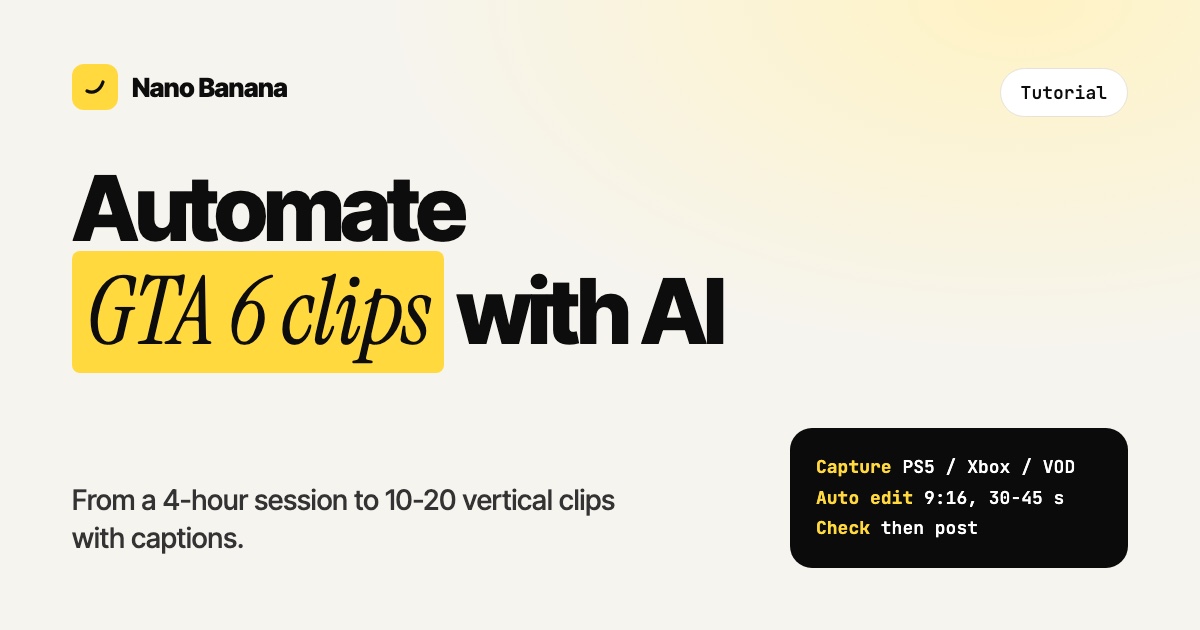
Short answer: record your GTA 6 sessions with commentary (or take a stream VOD you have permission to clip), cut it into 10 to 30-minute segments, drop each segment into an AI editor such as Nano Banana Auto edit, choose the vertical format and a length of 30 to 60 seconds, and press Edit. The AI finds the strongest moment, puts the reaction first, cuts the dead air and adds captions. You check the clip, write the caption and post. Done well, one person can turn a 4-hour session into 10 to 20 clips.
What makes a GTA 6 clip work
- One moment, one clip. A chase, a crash, a fail, a funny NPC. Not a recap of the session.
- Payoff or reaction in the first two seconds. Viewers scroll past setup. Open on the crash, the scream or the line, then show how it happened.
- A voice. Raw gameplay is everywhere in launch week. Commentary, reactions and jokes are what make your clip different from the next one.
- Captions. Many people watch muted. Captions also carry the joke when the game audio is loud.
- No story spoilers. Rockstar takes down endings, edited cutscene compilations and isolated cinematics. Details in the rules for GTA 6 clips.
Step 1: Capture the footage
On PS5
The PS5 keeps recent gameplay in the background. With the Create button you can save the last 15 seconds up to the last 60 minutes, according to PlayStation support. Background recordings are reported to save in 1080p at 60 fps; for 4K, start a manual recording. 1080p is enough for vertical clips: the crop to 9:16 uses only part of the frame anyway.
- Turn on your microphone in the capture settings so your commentary is in the file. Without a voice, an AI editor has much less to work with.
- After a good moment, save the last 15 minutes. You will have the build-up and the payoff in one file.
On Xbox Series X|S
Built-in capture works for short moments. For long sessions, a capture card or a stream to your own channel is more reliable: you get a full VOD you can download and clip later.
From a stream VOD
If you stream, download your own VOD after the session. If you clip someone else's stream, only do it inside their clipping program or with their permission, and follow their rules on length, watermark and credit.
Step 2: Cut the session into segments
A 4-hour VOD is too much for one edit. Split it into 10 to 30-minute segments around the moments you remember, or simply every 20 minutes. Each segment becomes one project and one or two clips.
Shortcut: when you stream, say a word out loud after a great moment ("clip that"). It lands in the transcript, so you can tell the AI to look for it.
Step 3: Let the AI edit
In Nano Banana Video Studio, open Auto edit and drop the segment. How it works:
- It listens and watches. The audio is transcribed word by word, in any language, and frames of the footage are sampled so the editor sees what happens on screen. Loud moments are flagged too.
- It plans the clip. Claude, the editing model, picks the moment, orders it so the hook comes first and cuts everything that does not serve it.
- You watch it happen. The cuts, captions, zooms and sound effects appear on the timeline while the edit runs, and every one of them stays editable.
Settings that work for GTA 6:
| Setting | Value | Why |
|---|---|---|
| Format | TikTok (9:16) | The same 1080 × 1920 export works for TikTok, Reels and Shorts |
| Length | 30 to 45 s | Long enough for setup and payoff, short enough to rewatch |
| Captions | On | Muted viewers, loud game audio |
| Zooms | On | A punch-in on the reaction or the crash |
| Sound effects | On | The editor uses few: a hit on the payoff, a whoosh on a cut; game audio does the rest |
| Music | Off | The game, the radio and your voice are enough, and it avoids extra rights issues |
Then brief the editor in one line, like you would a human editor:
- "Open on the crash, then rewind to the chase."
- "Keep only the part after I say clip that."
- "End on my reaction, no outro."
- "Skip the cutscene at the start."
Limits to know: up to 60 files per project, about 2 hours of audio per file, and a finished video from 10 seconds to 10 minutes. An edit costs 10 credits once it lands on the timeline.
Step 4: Check before you post
Thirty seconds of checking saves you a takedown or a flop:
- The first two seconds. Would you stop scrolling? If not, move the payoff earlier or change the note and edit again.
- Story. No ending, no big reveal, no isolated cutscene.
- HUD and crop. Make sure the action is not cut off by the vertical crop and that your mini-map or chat overlay does not hide the moment.
- Captions. Fix any names the transcript got wrong.
- Violence. If you plan to earn from YouTube ads, avoid clips built only around gratuitous violence: YouTube's guidelines treat those montages as unsuitable for ads.
Step 5: Post on a rhythm
- Speed beats polish in launch week. A good clip posted an hour after the moment beats a perfect one posted two days later.
- Two to five clips a day per platform is a realistic pace for one person with an AI workflow.
- Titles and captions with a hook, no clickbait spoilers. "He tried to outrun the police in a golf cart" works; "GTA 6 ending explained" gets you in trouble.
- Track what works. After a week, keep the two or three formats that get views and drop the rest.
A full-day workflow
- Play or stream for 3 to 4 hours with your mic on.
- Save or download the footage; split it into 20-minute segments.
- Run Auto edit on each segment with a 30 to 45-second vertical target and a one-line note.
- Check each clip in about a minute; fix captions; re-run the weak ones with a better note.
- Export, then schedule the clips across the next day.
To also post a horizontal recap on YouTube, run Auto edit again on the same segments with the YouTube format and a 6 to 10-minute target. See how to edit long YouTube videos with AI.
FAQ
Can AI find the best moments in my GTA 6 gameplay?
Yes, especially when there is commentary or reaction audio. The AI reads the transcript, the sound peaks and frames from the footage to choose the moment and the hook. Silent gameplay gives it much less to work with.
What length should a GTA 6 clip be?
30 to 45 seconds for most moments. 15 seconds for a single gag, 60 seconds for a chase with a long build-up.
Does it work on PS5 and Xbox footage?
Yes. Any MP4 or MOV file works, whether it comes from console capture, a capture card or a stream VOD.
Does Nano Banana post the clips for me?
No. It edits and exports the MP4; you publish it.
Should I use AI to generate GTA 6 scenes?
Not as gameplay. Take-Two has acted against AI images passed off as real GTA 6 leaks. Use AI to edit real gameplay, and label any AI art as fan-made.
Nano Banana Video is not affiliated with Rockstar Games or Take-Two Interactive. GTA and Grand Theft Auto are trademarks of Take-Two Interactive. Sources: PlayStation support; Rockstar Games policy; YouTube advertiser-friendly guidelines. Status as of November 17, 2026.