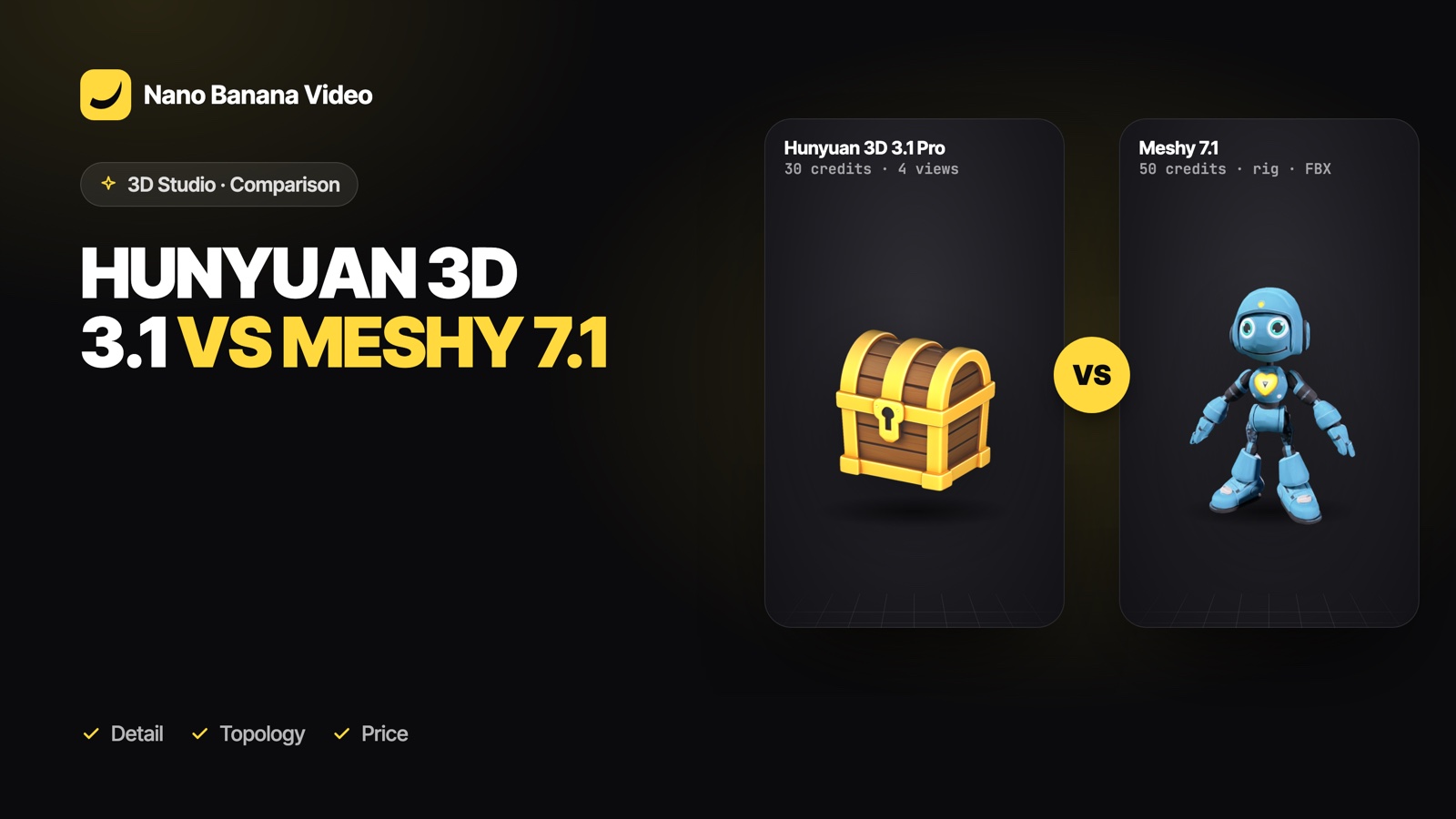
Short answer: pick Hunyuan 3D 3.1 Pro for the most detail and when you can give four views of the object; Hunyuan 3D 3.1 Rapid for cheap, fast drafts; and Meshy 7.1 for game assets: polygon budgets, low-poly, quad topology, rigged characters and FBX, USDZ and STL exports. All three are in Nano Banana 3D Studio, so you can try the same prompt on each.
At a glance
| Hunyuan 3D 3.1 Pro | Hunyuan 3D 3.1 Rapid | Meshy 7.1 | |
|---|---|---|---|
| Made by | Tencent | Tencent | Meshy |
| Input | Text, image, 4 views | Text, image | Text, image |
| Detail | Highest: 60k to 500k faces | Good drafts | 8k to 100k polygons |
| Topology options | Triangles | Triangles | Triangles or quads, low-poly style |
| Rigging | No | No | Yes, with a walk cycle |
| Files | GLB | OBJ + MTL + texture (GLB in one click) | GLB, FBX, USDZ, STL |
| Typical time | 5 to 15 min | 3 to 5 min | 2 to 5 min |
| Credits in Nano Banana | 30 (about €0.60) | 15 (about €0.30) | 50 (about €1.00) |
Euro amounts use the Basic plan (€19.99 for 1,000 credits). Credits are charged only when the model is ready.
Detail and shape
Hunyuan 3D 3.1 Pro produces the densest meshes and the finest surface detail, which shows on close-ups, products and statues. With four views it is also the most faithful to a real object. Rapid trades some detail for speed and is ideal to explore shapes. Meshy 7.1 aims for a controlled polygon count rather than maximum density, which is what real-time games need.
Game work
Meshy 7.1 is the clear pick for games: a target polygon count, an optional low-poly style, quad topology for easier editing, PBR materials, and rigging that returns a skeleton in an A-pose plus an animated walk cycle. Its FBX export goes straight into Unity and Unreal.
Products, AR and printing
- Product pages and renders: Hunyuan 3D 3.1 Pro with four photos of the product.
- iPhone AR: Meshy 7.1’s USDZ opens in AR Quick Look.
- 3D printing: Meshy 7.1 exports STL directly; any GLB can also be converted in Blender. Check that the mesh is watertight before slicing.
Which one to pick
| You want… | Pick |
|---|---|
| The most detailed model | Hunyuan 3D 3.1 Pro |
| A faithful copy of a real object | Hunyuan 3D 3.1 Pro with 4 views |
| Ten quick ideas | Hunyuan 3D 3.1 Rapid |
| A game prop at a set polygon budget | Meshy 7.1 |
| An animated character | Meshy 7.1 with Rig |
| FBX, USDZ or STL directly | Meshy 7.1 |
A practical workflow: explore with Rapid, then finish with Pro for renders or Meshy for games. More on game pipelines in AI 3D models for games.
3D Studio is part of every paid Nano Banana plan, from €19.99/mo with 1,000 credits: a model uses 15 credits with Hunyuan 3D 3.1 Rapid, 30 with Hunyuan 3D 3.1 Pro and 50 with Meshy 7.1, charged only when it is ready. Create your account and make your first model.
Frequently asked questions
Is Hunyuan 3D better than Meshy?
They are good at different things. Hunyuan 3D 3.1 Pro gives the most detail and accepts four views; Meshy 7.1 is better for game assets with polygon budgets, quad topology, rigging and FBX, USDZ and STL exports.
Which is cheaper?
In Nano Banana, Hunyuan 3D 3.1 Rapid uses 15 credits, Pro 30 and Meshy 7.1 50, charged only when the model is ready.
Which is faster?
Meshy 7.1 and Hunyuan 3D 3.1 Rapid usually take 2 to 5 minutes; Hunyuan 3D 3.1 Pro takes 5 to 15 minutes.
Can Hunyuan 3D rig characters?
No. For a rigged character with a walk cycle, use Meshy 7.1 with Rig on.
Can I use both in the same project?
Yes. Both export GLB, so you can mix Hunyuan props and Meshy characters in Blender, Unity, Unreal or Godot.