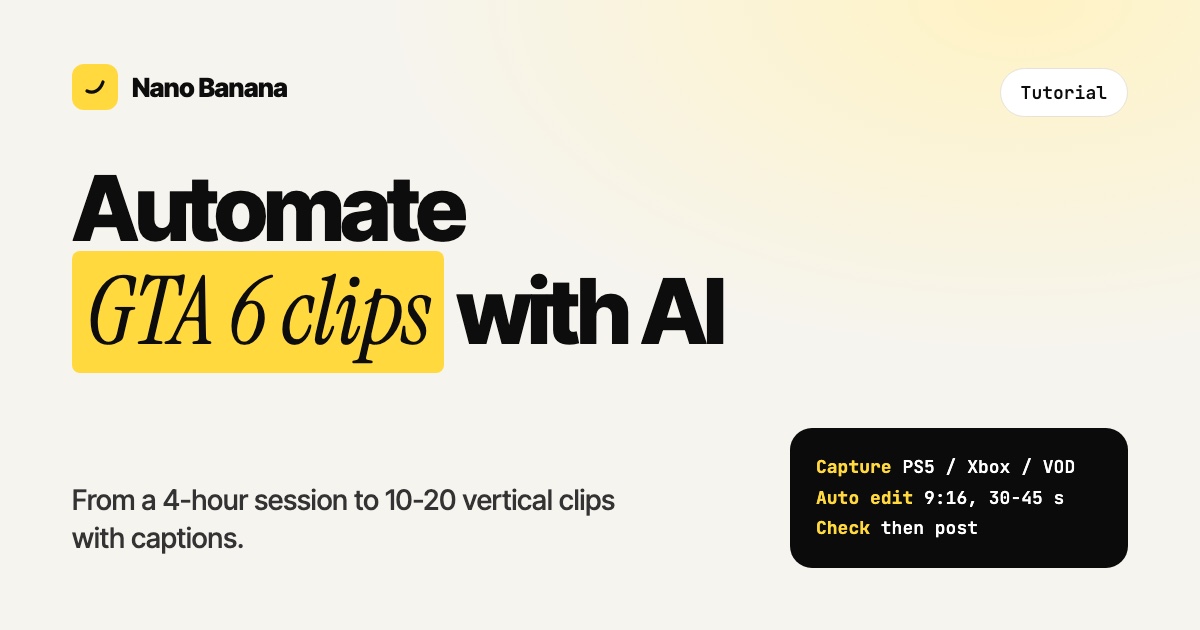
How to Automate GTA 6 Clips with AI (PS5, Xbox and Stream VODs)
Turn a 4-hour GTA 6 session into 10 to 20 vertical clips: capture, split, let AI find the moment and caption it, then check and post. With the settings that work.
Tutorials, comparisons, developer guides, and creative insights for the new era of AI-powered video production.
Turn a 4-hour GTA 6 session into 10 to 20 vertical clips: capture, split, let AI find the moment and caption it, then check and post. With the settings that work.
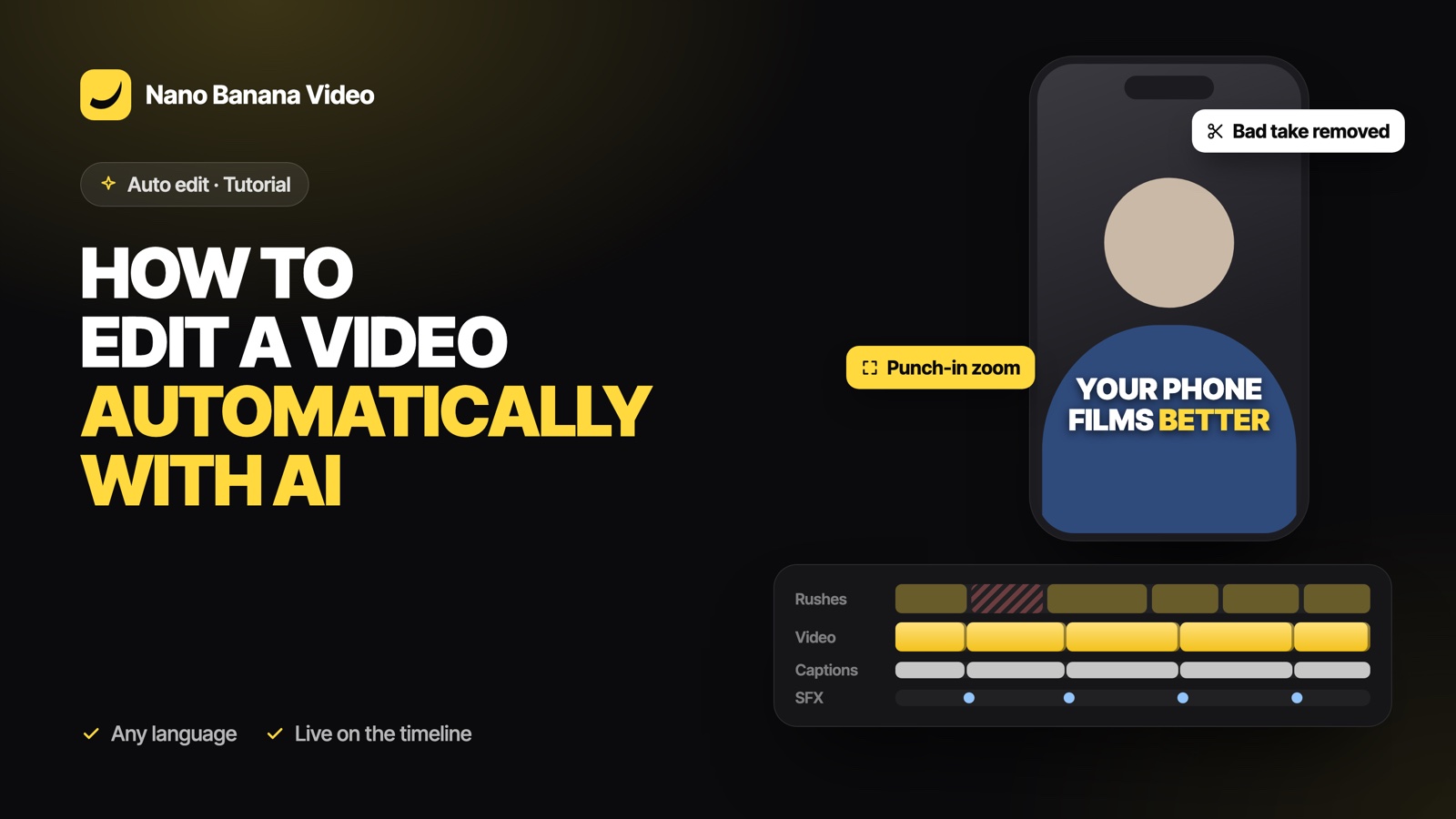
Drop your raw footage, pick TikTok or YouTube and a length, and let AI order the takes, cut silences and bad takes, and add captions, zooms and sound effects. A step-by-step guide to automatic video editing.
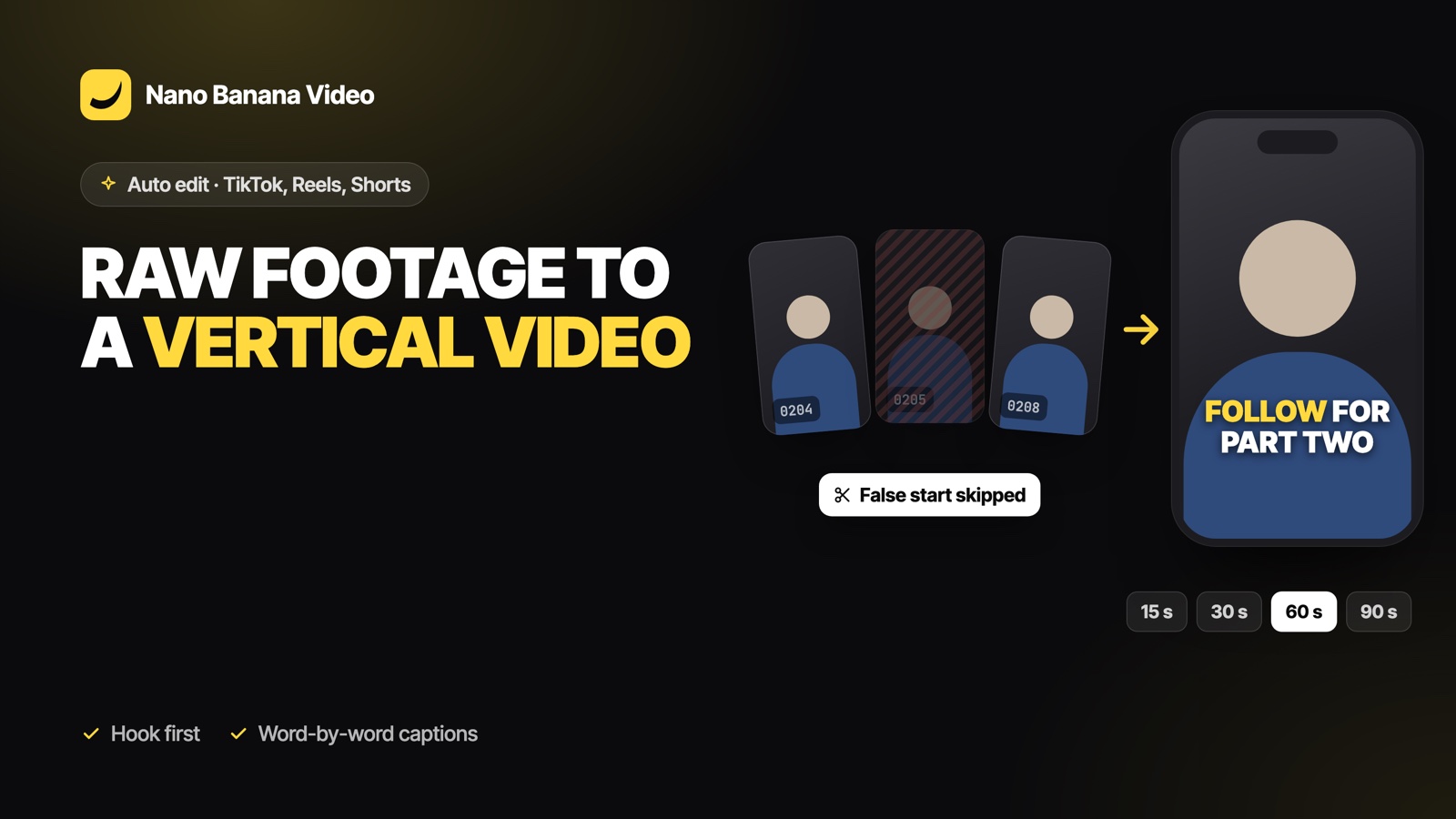
How to turn a folder of phone clips into a 15, 30, 60 or 90-second vertical video with a hook, tight cuts, word-by-word captions, zooms and sound effects, edited automatically by AI.
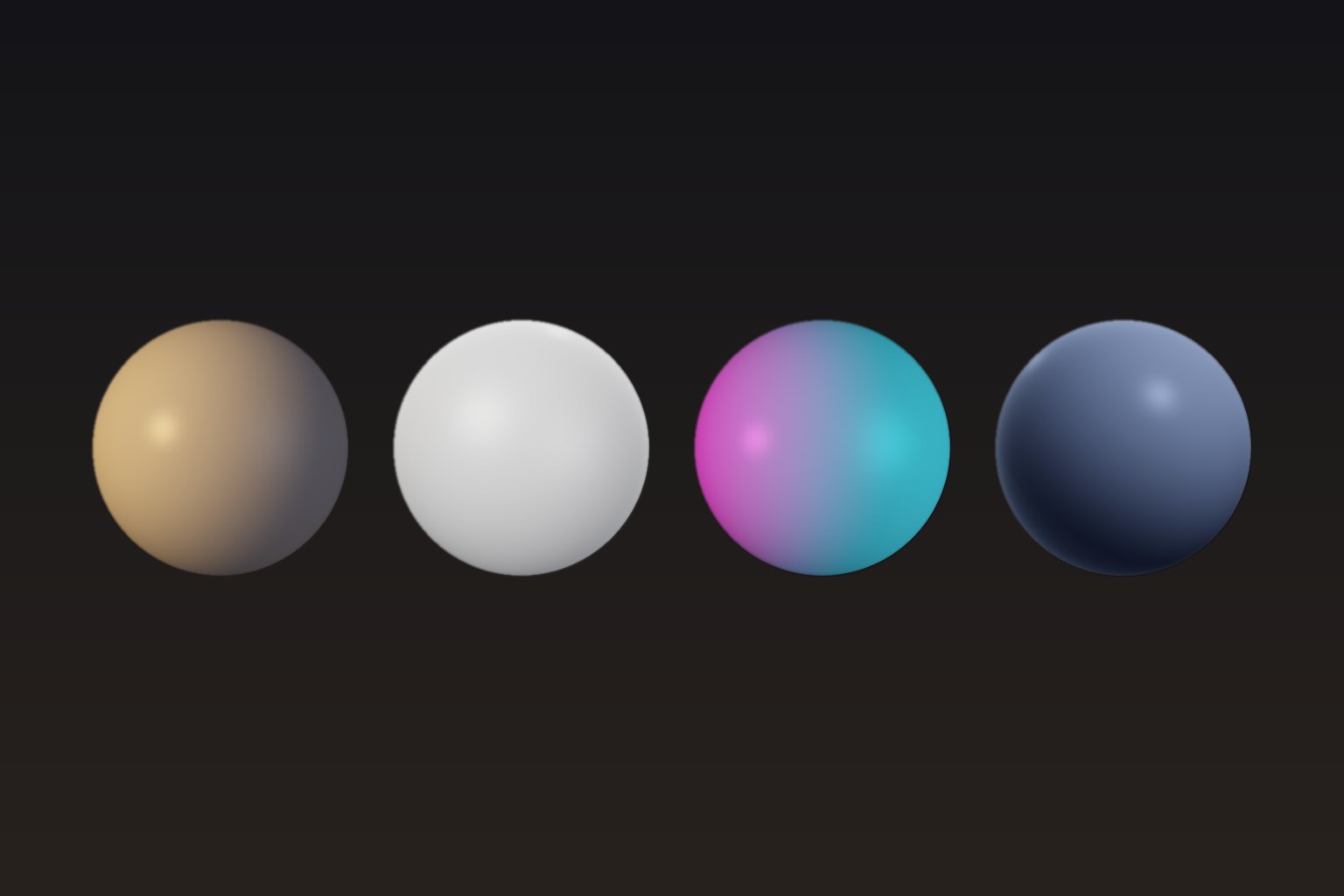
Change the lighting of a video after the shoot: golden hour, studio softbox, neon or moonlight. A step-by-step guide to AI video relighting, what it can and cannot fix, and how to get clean results.
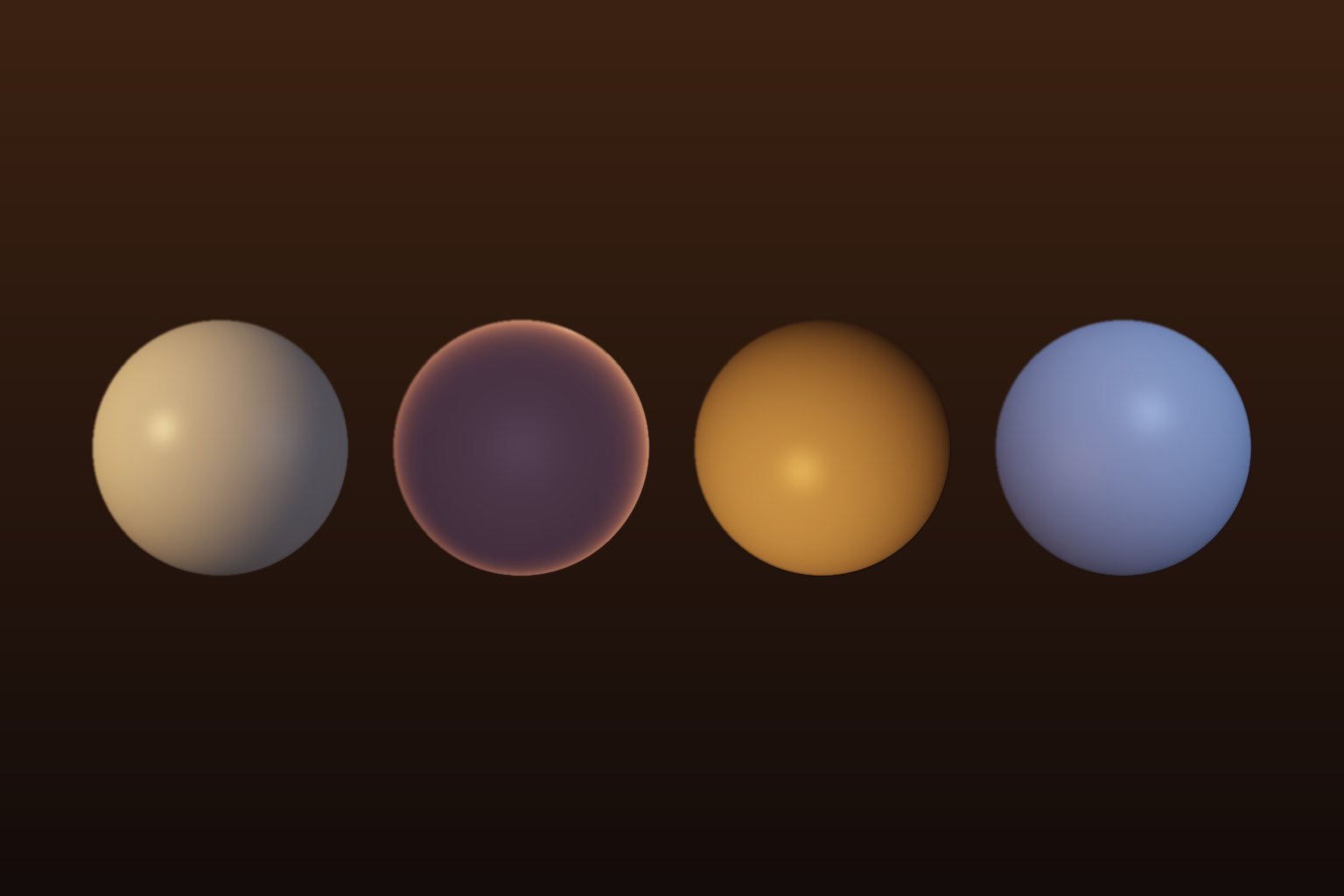
Want your footage to look like it was shot at sunset? Compare the classic golden hour colour grade with AI relighting, and learn how to turn midday, overcast or indoor footage into warm golden hour light.
Opus is the agent brain, not a pixel engine. Compare MCP text-to-video (Nano Banana) vs Remotion code render, then connect Claude in three steps.
Learn the exact techniques professional creators use to turn a simple text description into a stunning, studio-quality cinematic video in seconds with Nano Banana Video.
New tutorials, model updates, and creator insights delivered directly to your inbox. No spam, ever.
Join 12,000+ creators. Unsubscribe anytime.